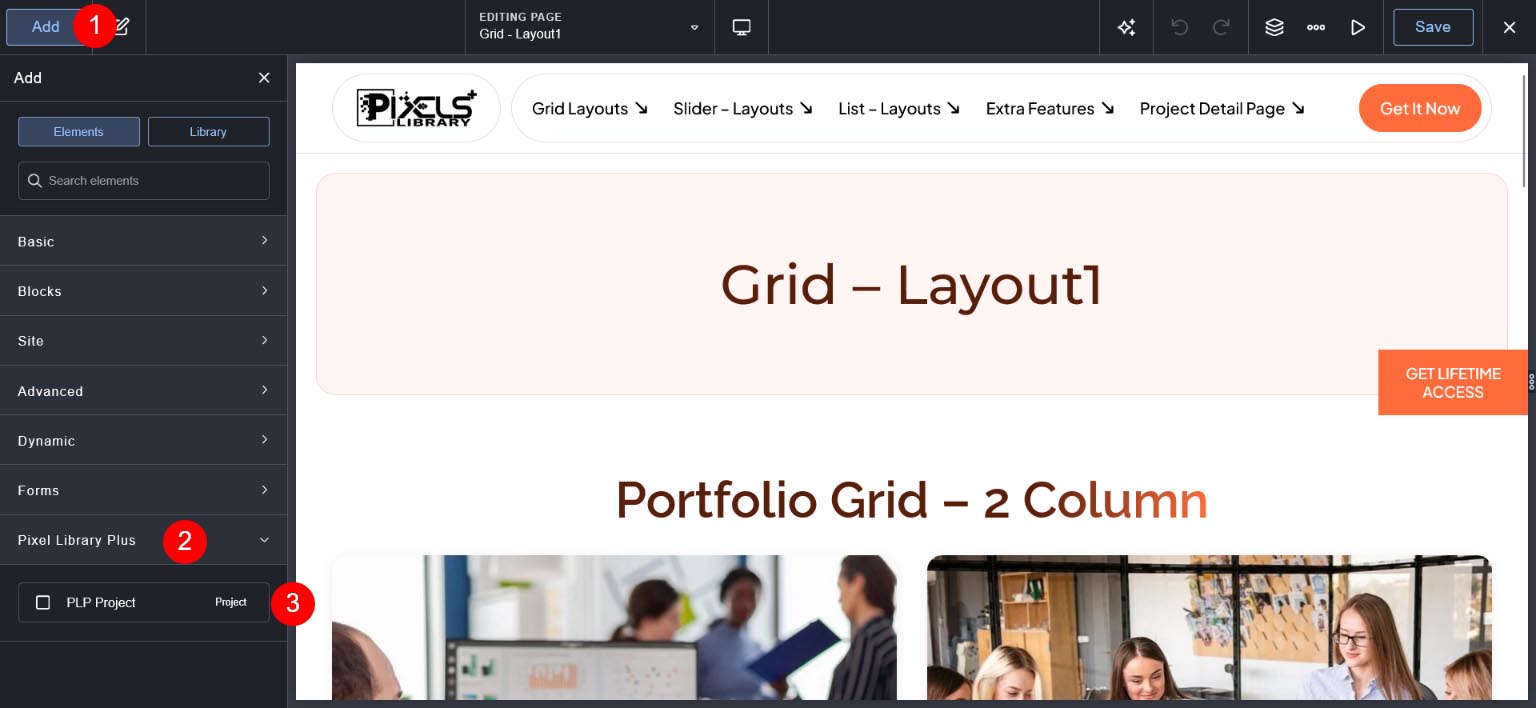
Find Project Element #
Go to Add Button then search project and you can see "PLP Project" Element.
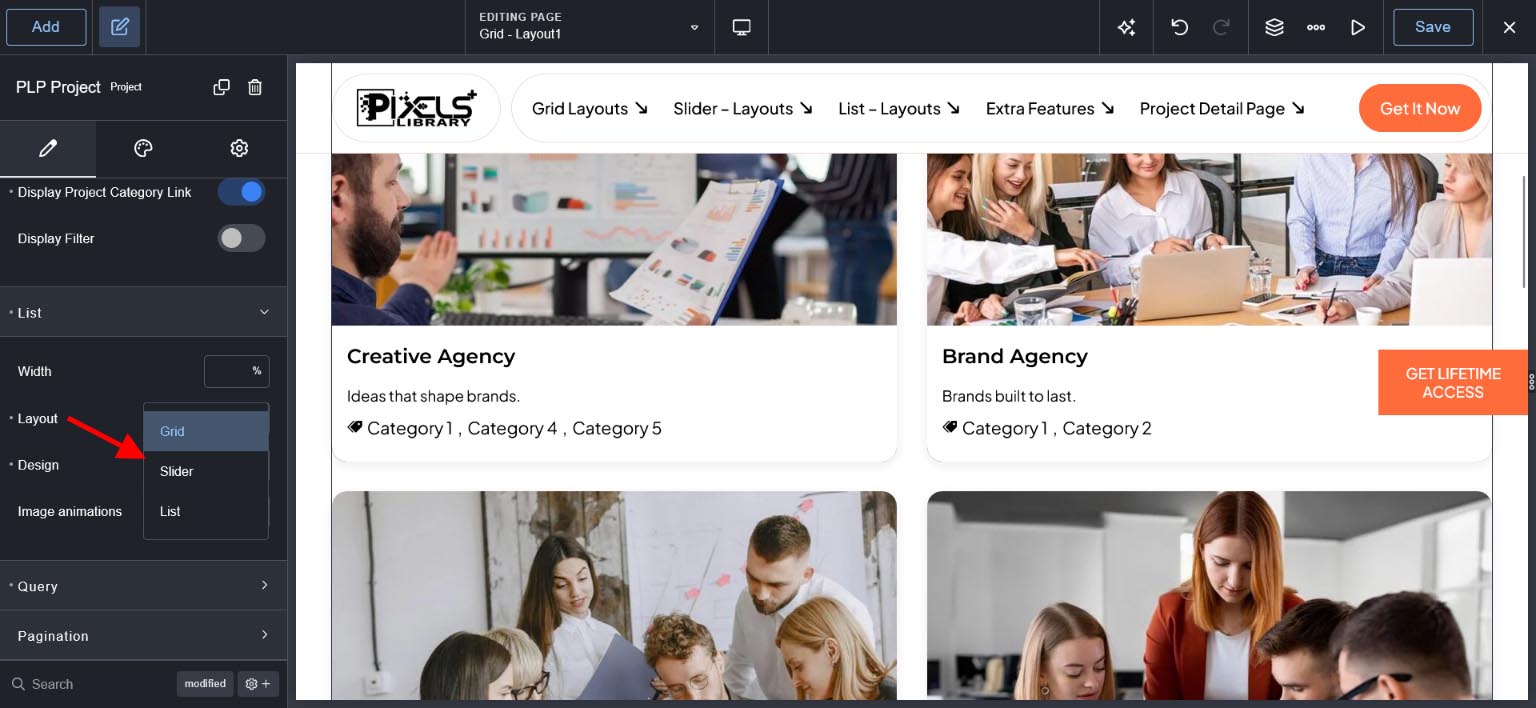
Find Grid , List and Slider Option #
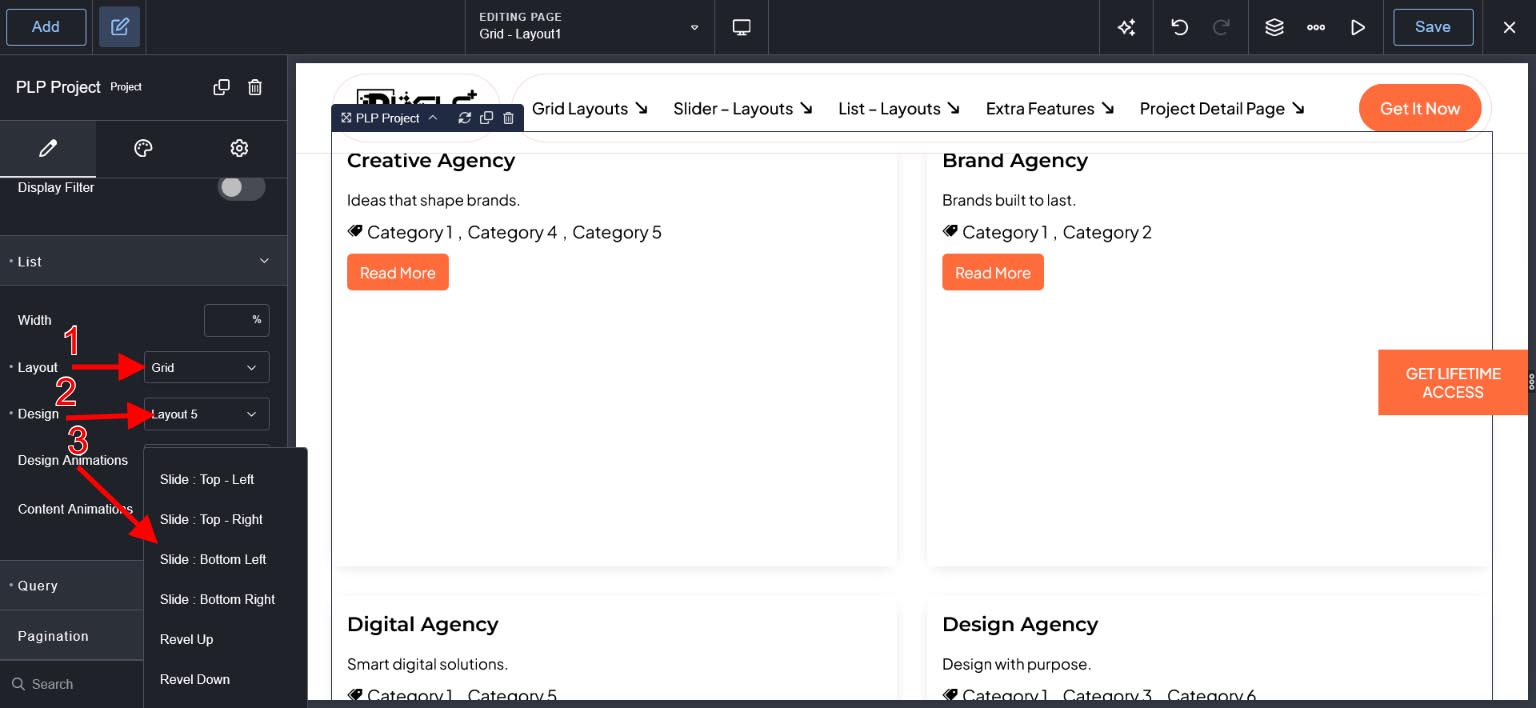
See below image Go to "List" Toggle and check "Layout" Drop down
Select Grid
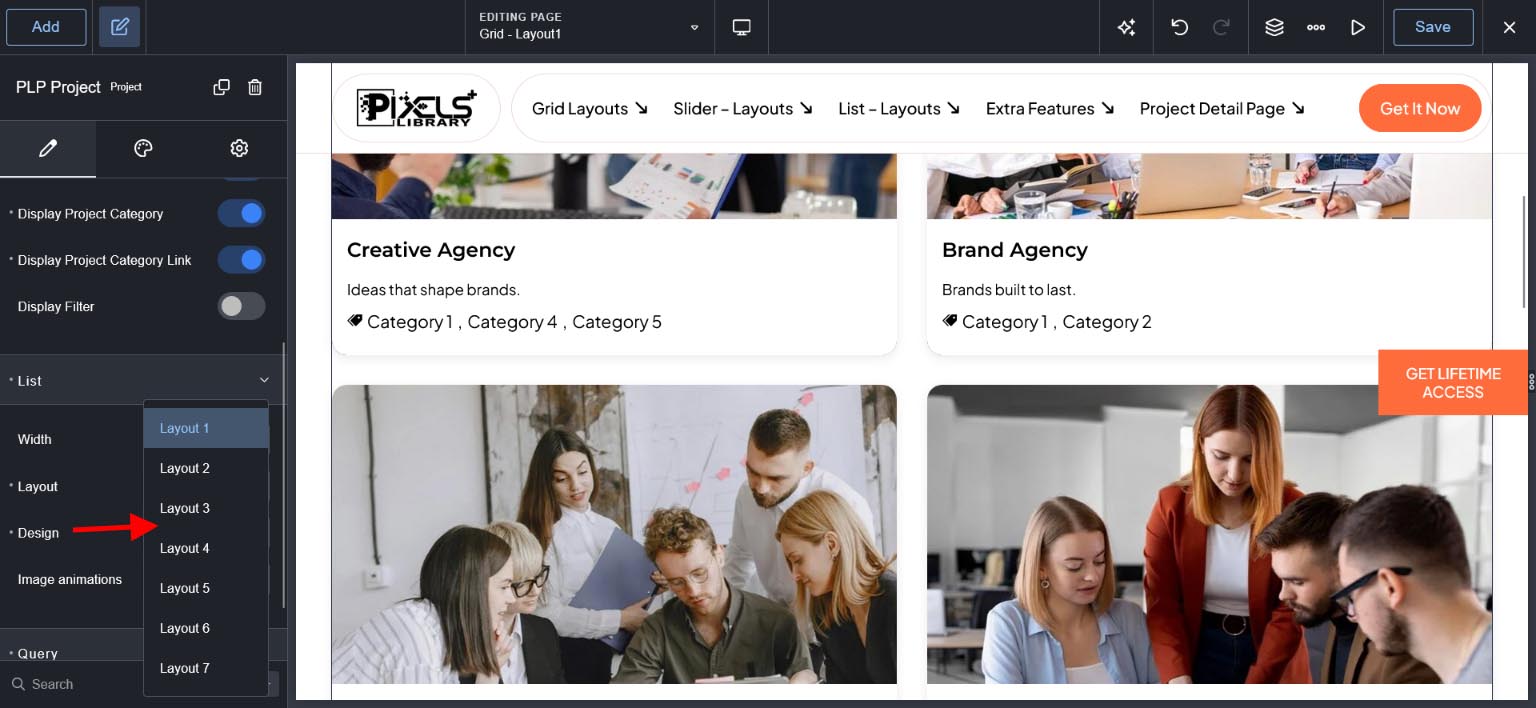
Grid Layout - Design(Layout 1 to Layout 7) Option #
See below image Go to "List" Toggle and check "Design" Drop down
There are total 7 Design for Grid.
Please check demo website for designs
Grid Layout : No of Column Option #
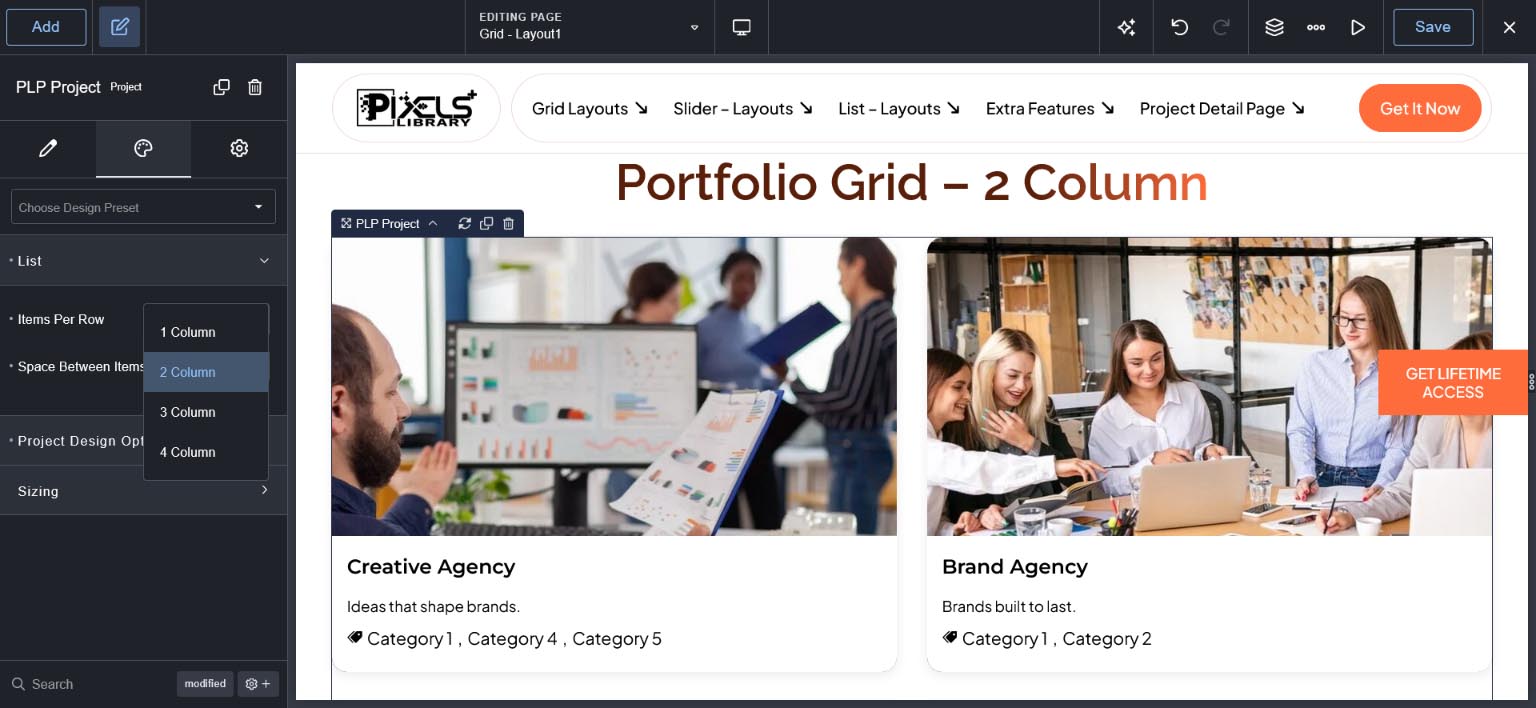
Go to "Design" Tab and See "List" Toggle -> Items Per Row Option.
These option is used for No of Project Display Per Row - 1 Col,2 Col, 3 Col or 4 Col option and Responsive settings is available for this option.
Grid Layout : Space Between Columns #
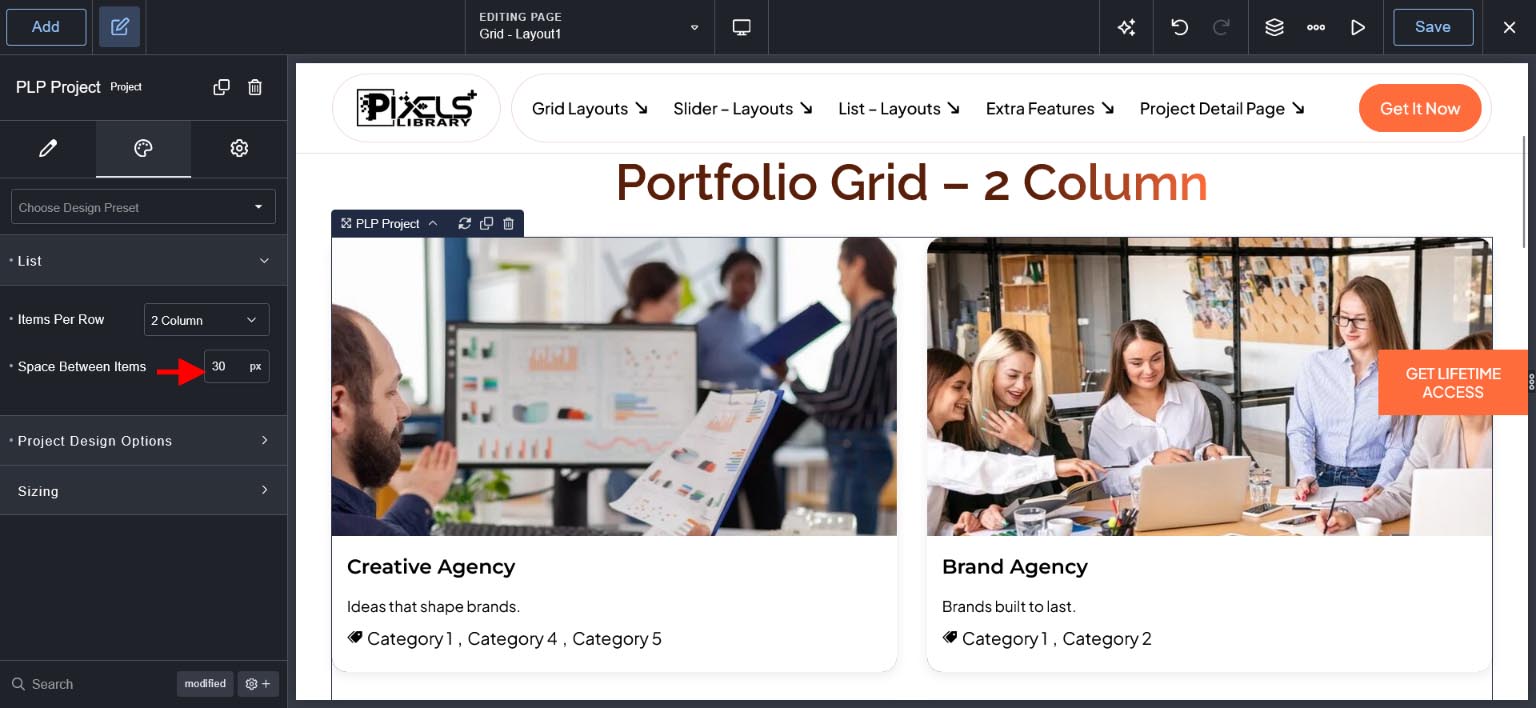
Go to "Design" Tab and See "List" Toggle -> Space Between Items.
These option is used for Gap of Between Columns.
Grid Layout : Query Option #
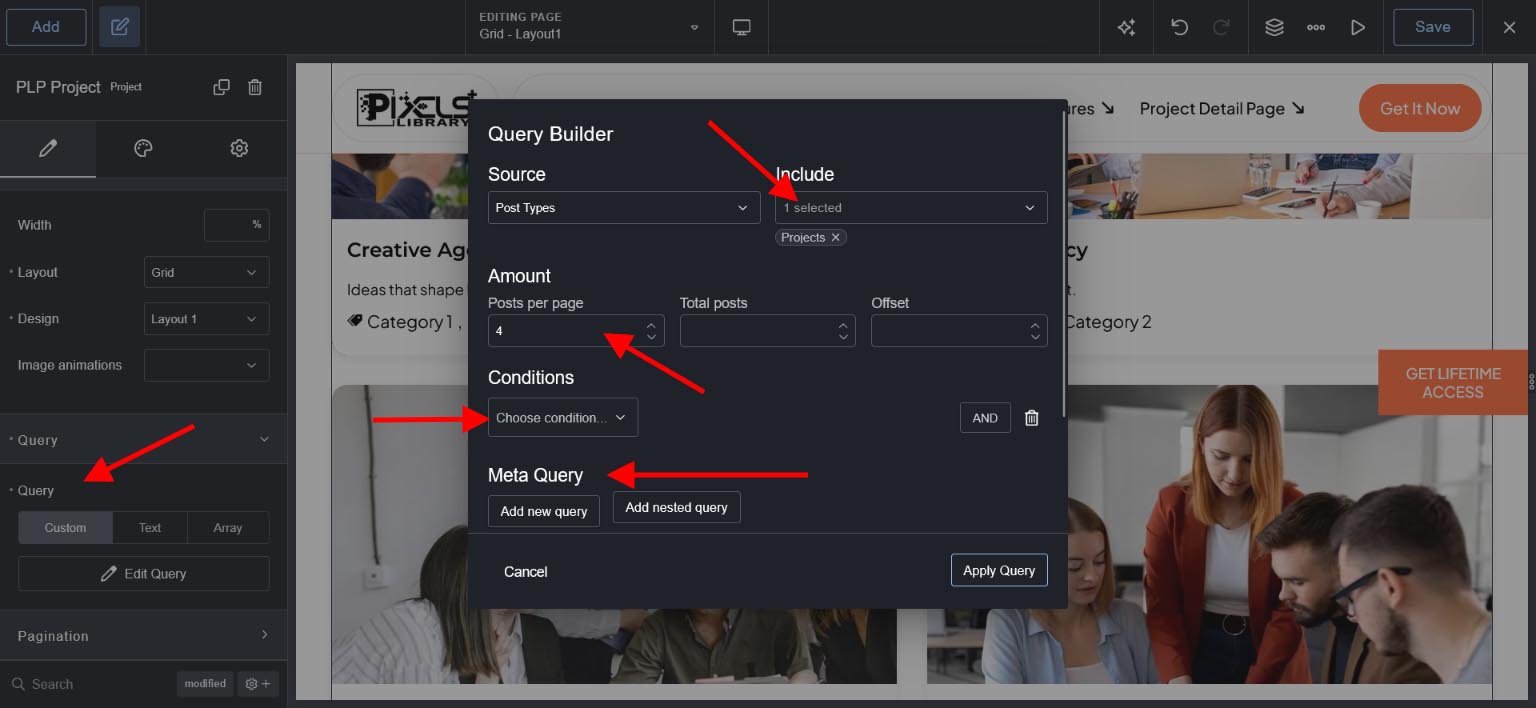
See below image Go to "Query" Toggle and Select "Custom" then Click on "Edit Query".
Here you need to select Post type : Projects
Posts per page : set how many projects you want to display
You can add extra meta query or other settings base on your requirements.
Grid Layout : Image Animation #
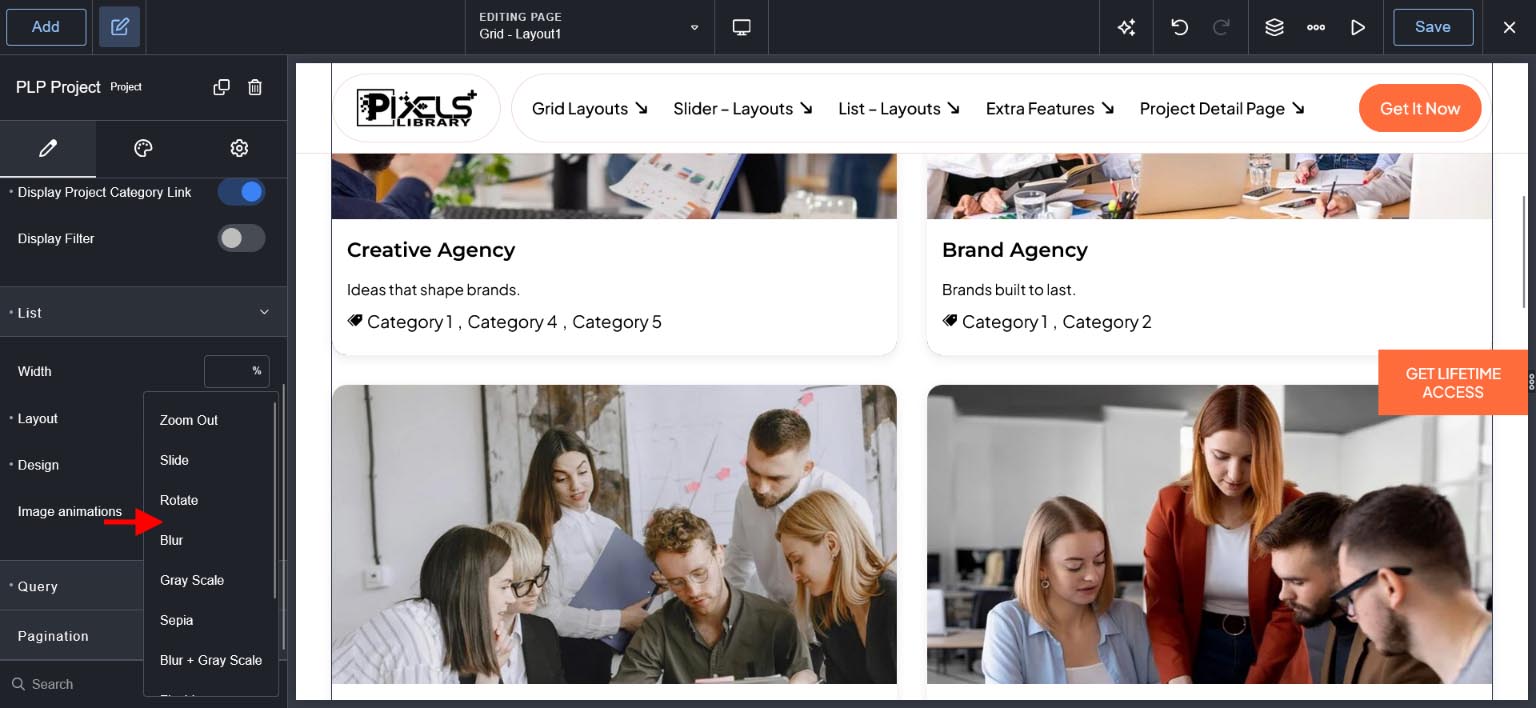
See "List" Toggle -> Image Animation Option.
These option is used for image hover of project and it is available only for Layout 1 to Layout 4. Others layouts has different animations.
Grid Layout : Pagination #
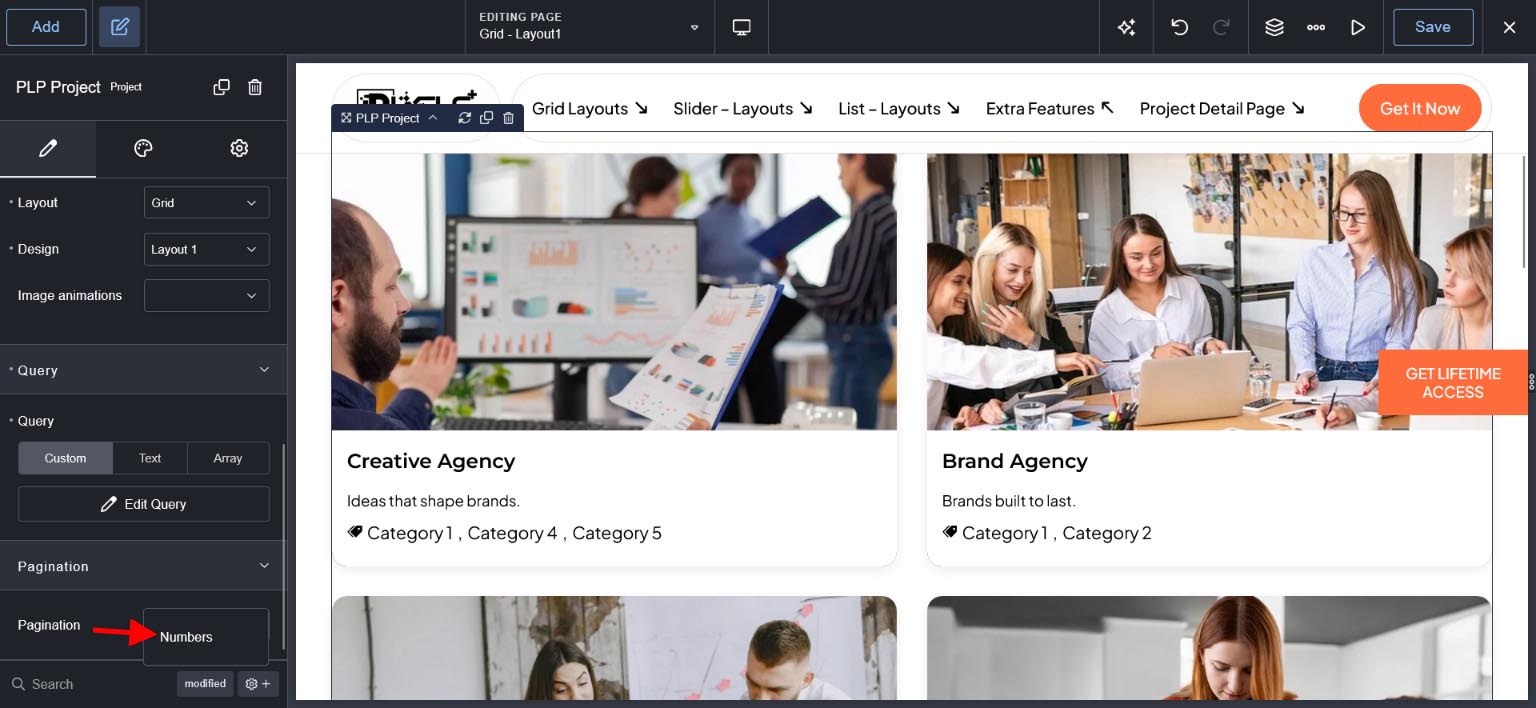
See "Pagination" Toggle -> Select Numbers
These option is used for display pagination and it works base on "Query" Toggle Set "Posts per page" option.
Grid Layout : Display Project Element Options #
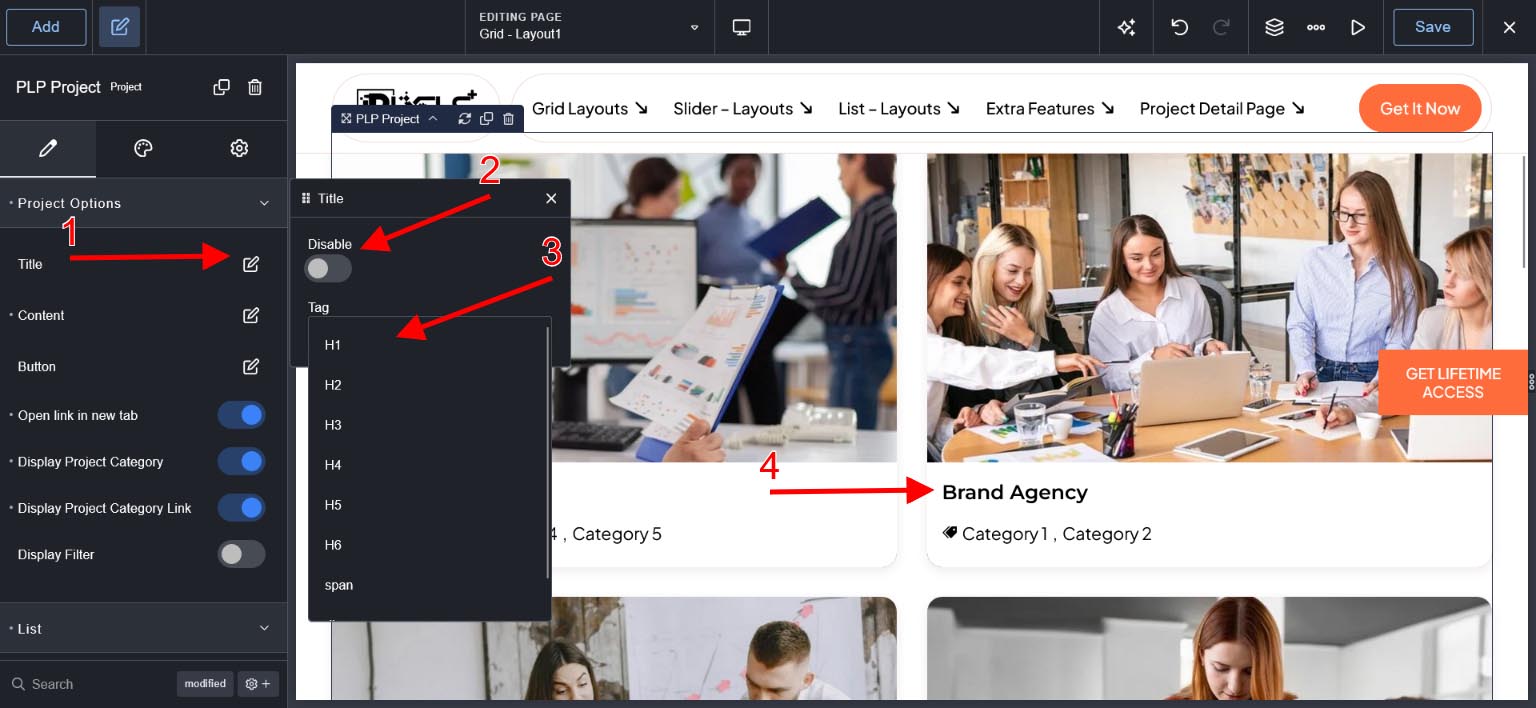
Title - If you disable then title will not display and set title html tag.
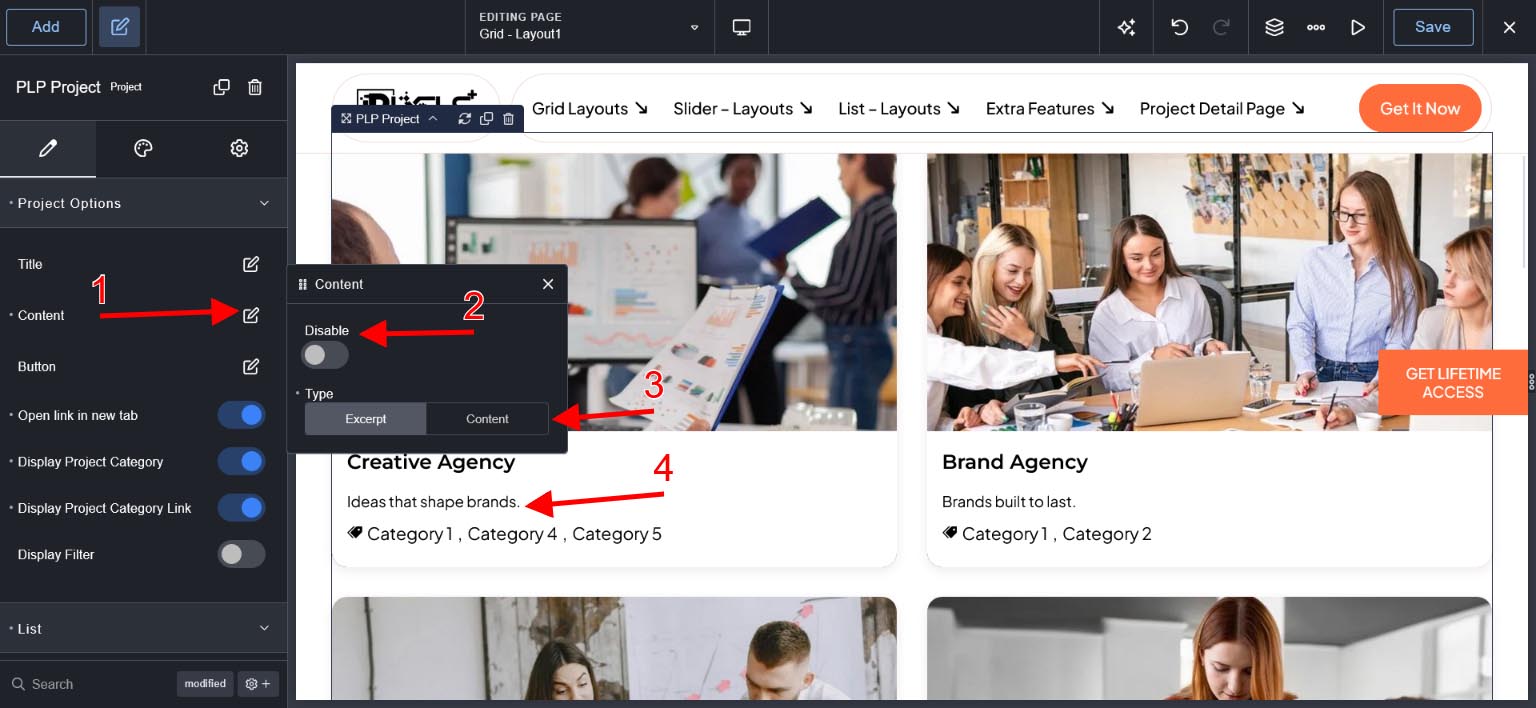
Content- If you disable then content will not display and set Short or Long Description.we recommended used Excerpt .
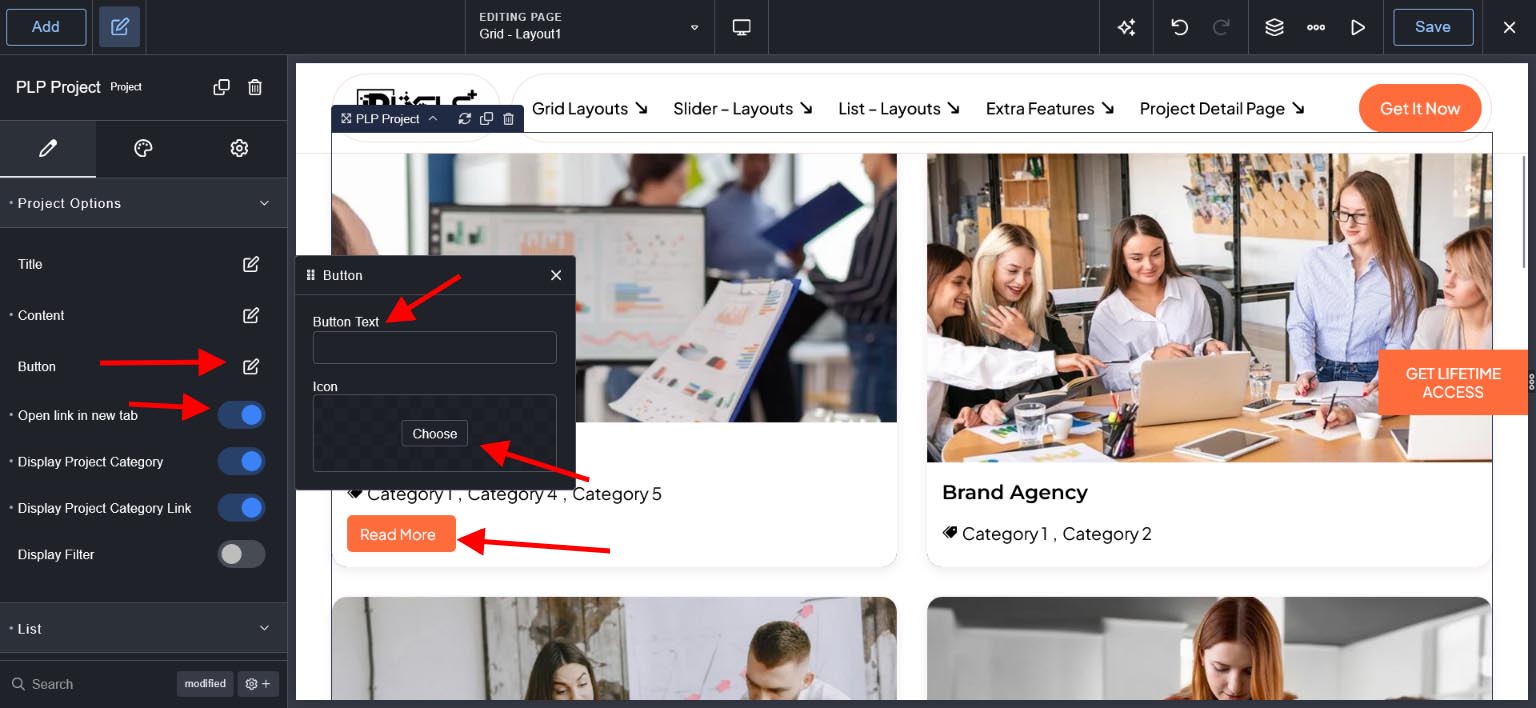
Button & New Tab - Add Button Text, Select Icon and set Button Link Open in new Tab.
Category & Category Link - To Display Project Category and Link in projects.
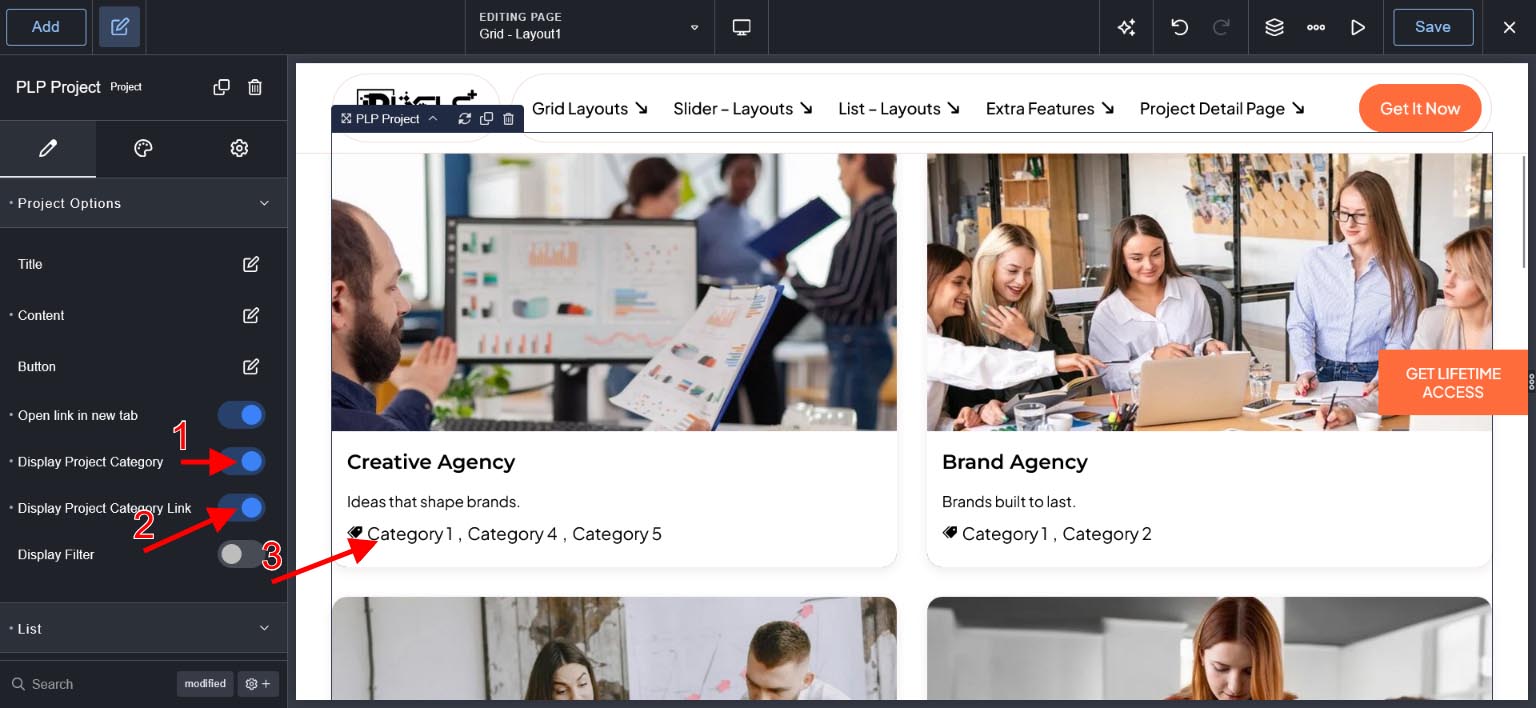
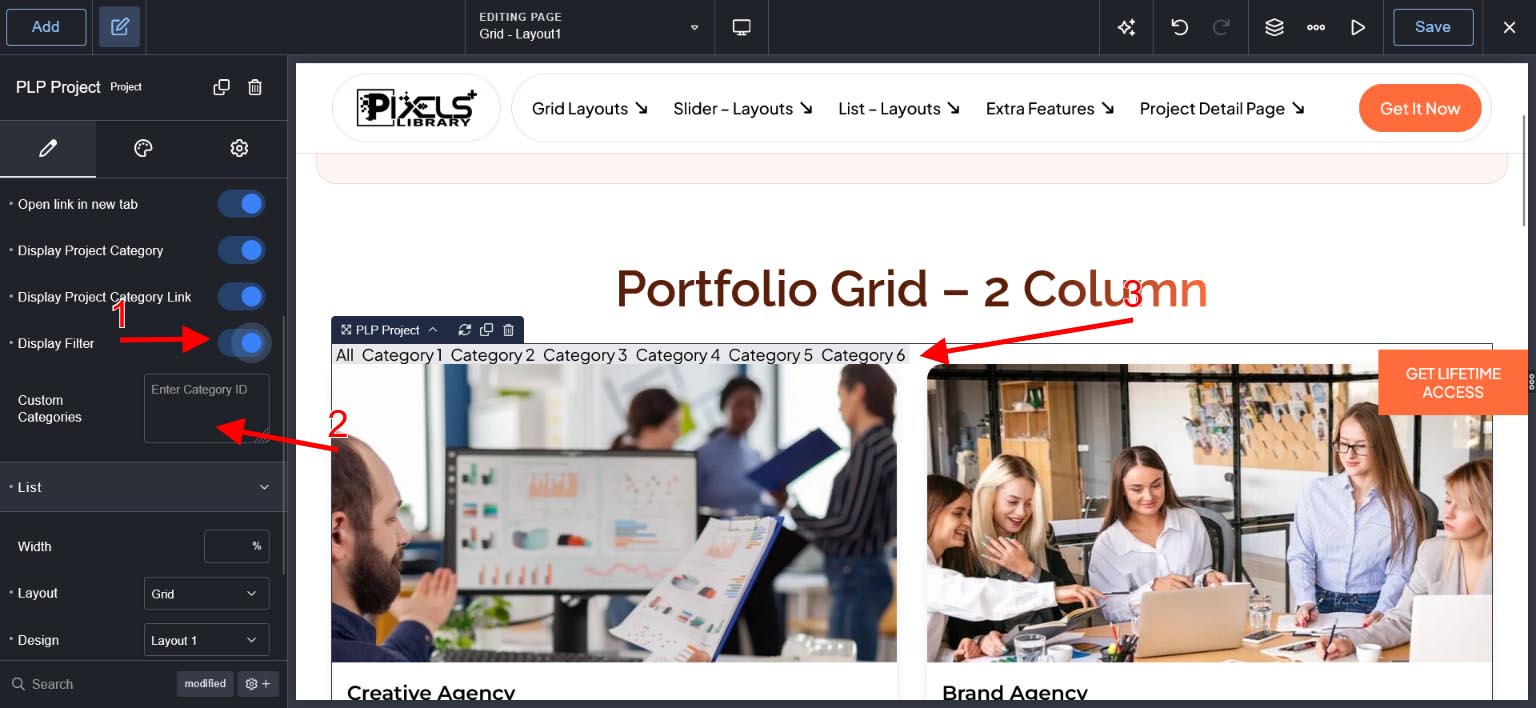
Display Filter & Custom Categories - To Display Project Category as Filter and if you want to remove some category in Filter then please add Category ID's in Custom Categories Option Eg. 1,5,6
How to Find Project Category ID.
Click Here and see "Listing of Project Categories"
Grid Layout : Design - Layout 5 Options #
Design Animations option is available for only layout 5 and there are 200+ animations hover effects.
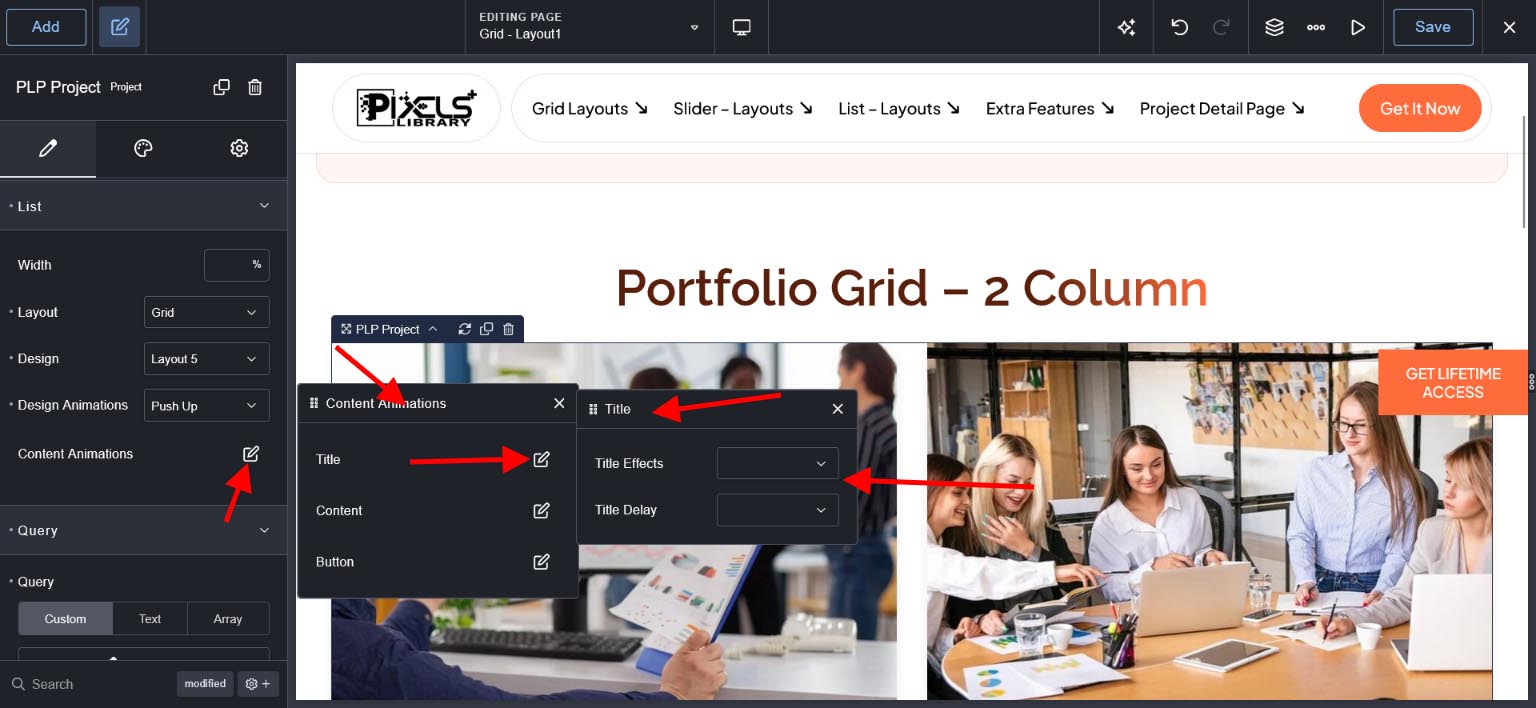
Content Animations option is available for only layout 5 and there is animation for title,content and button.
For Button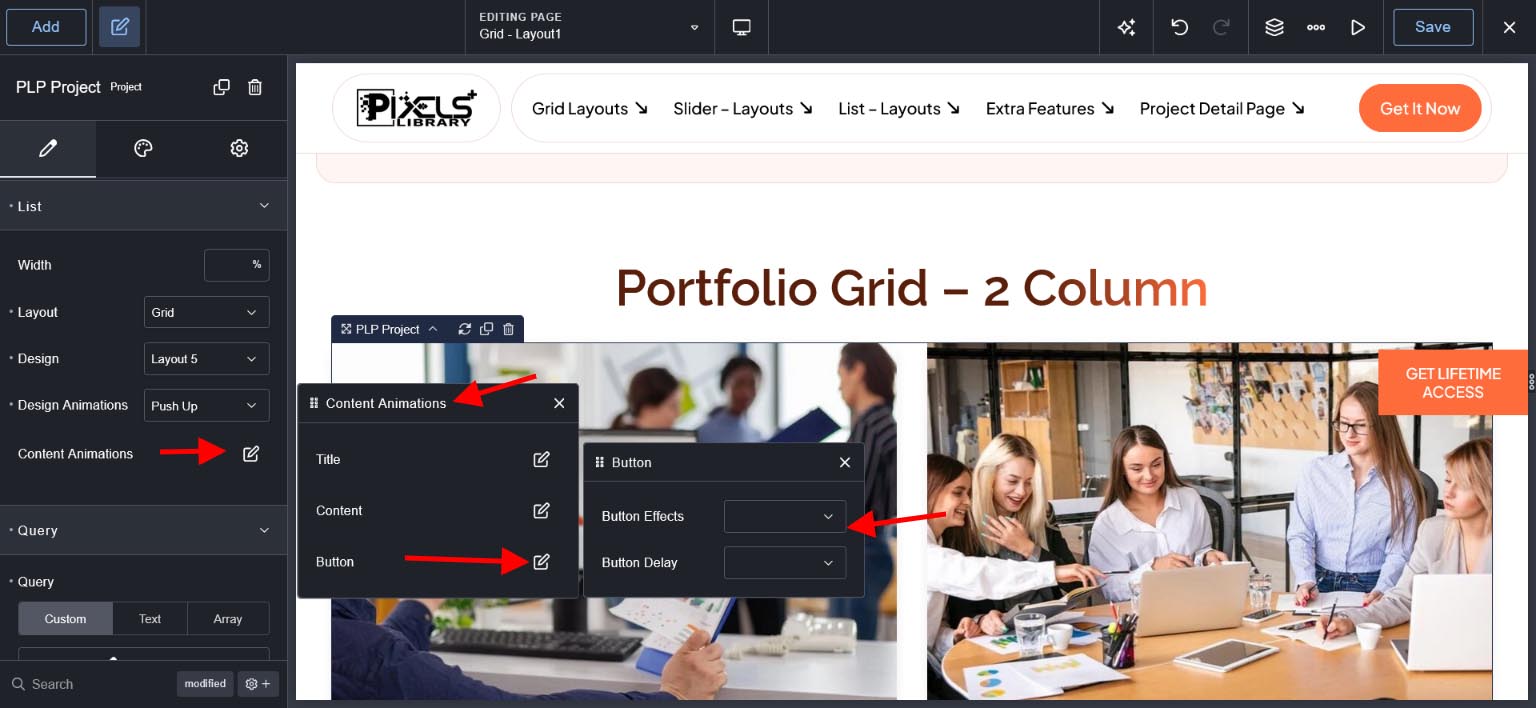
For Content
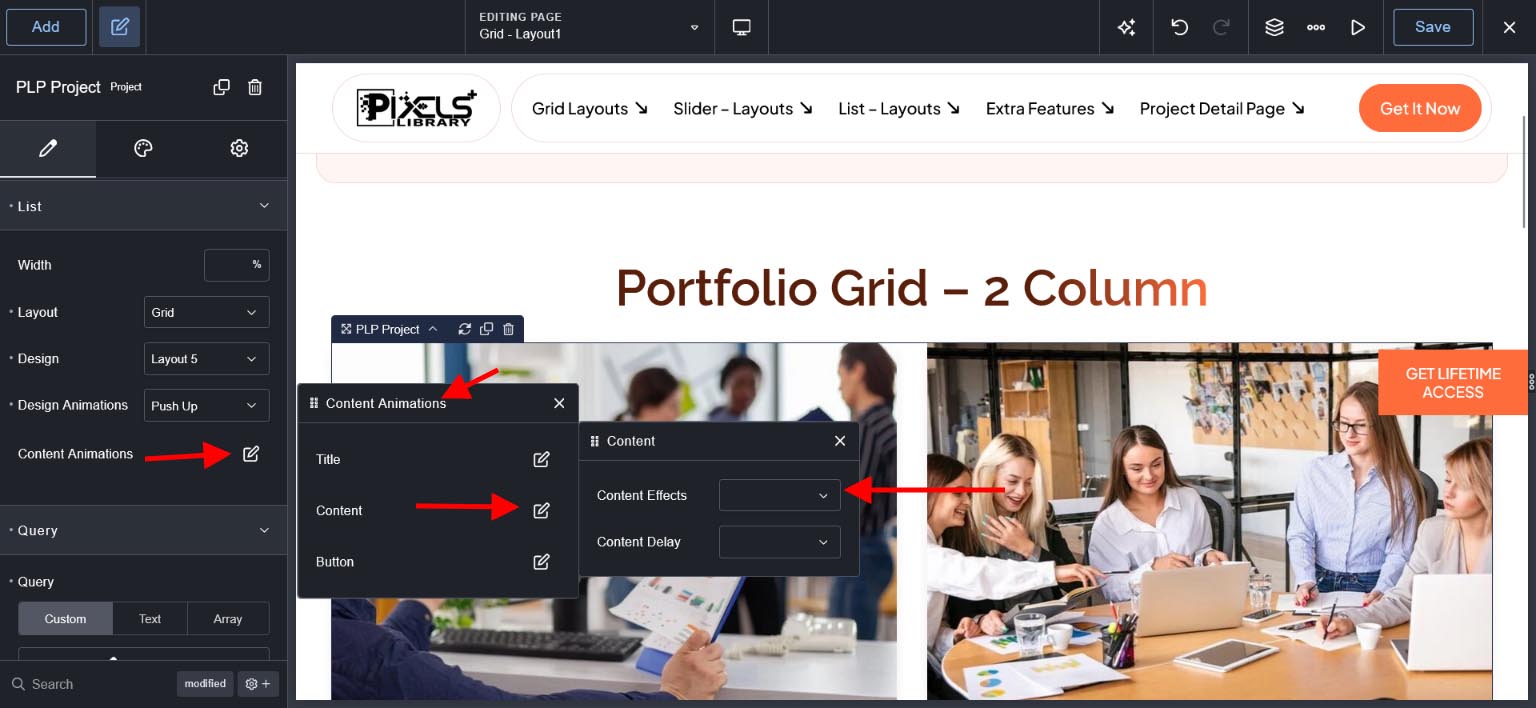
For Title
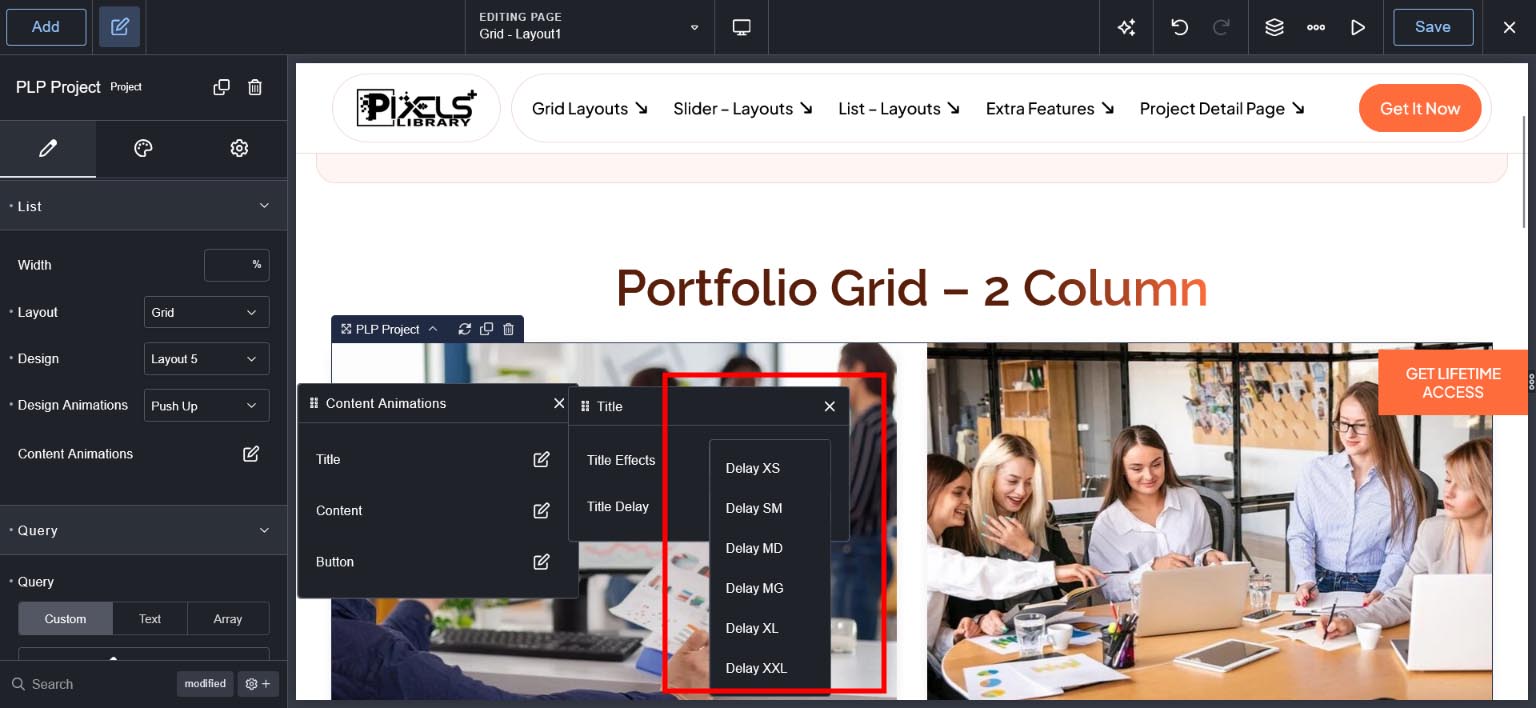
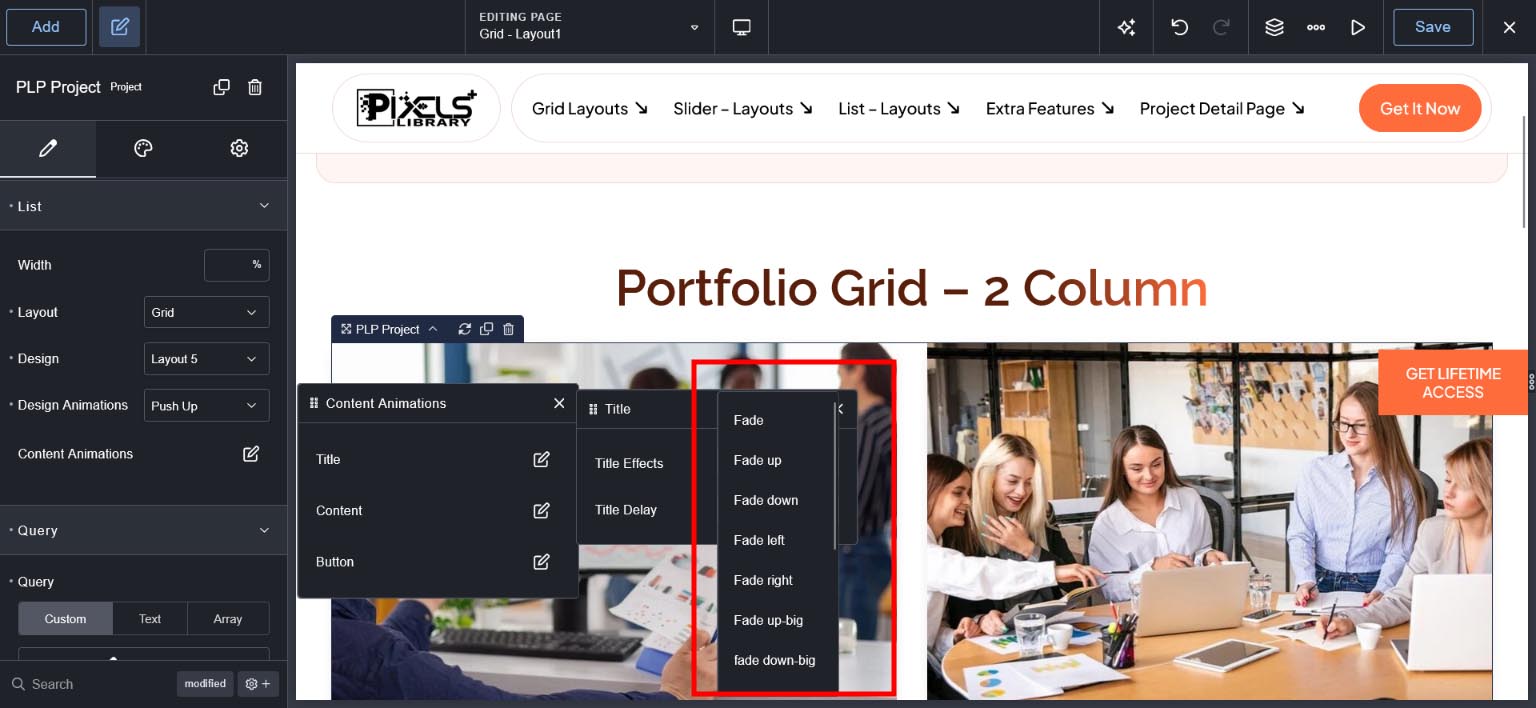
Layout 5 Design Option
See Design Tab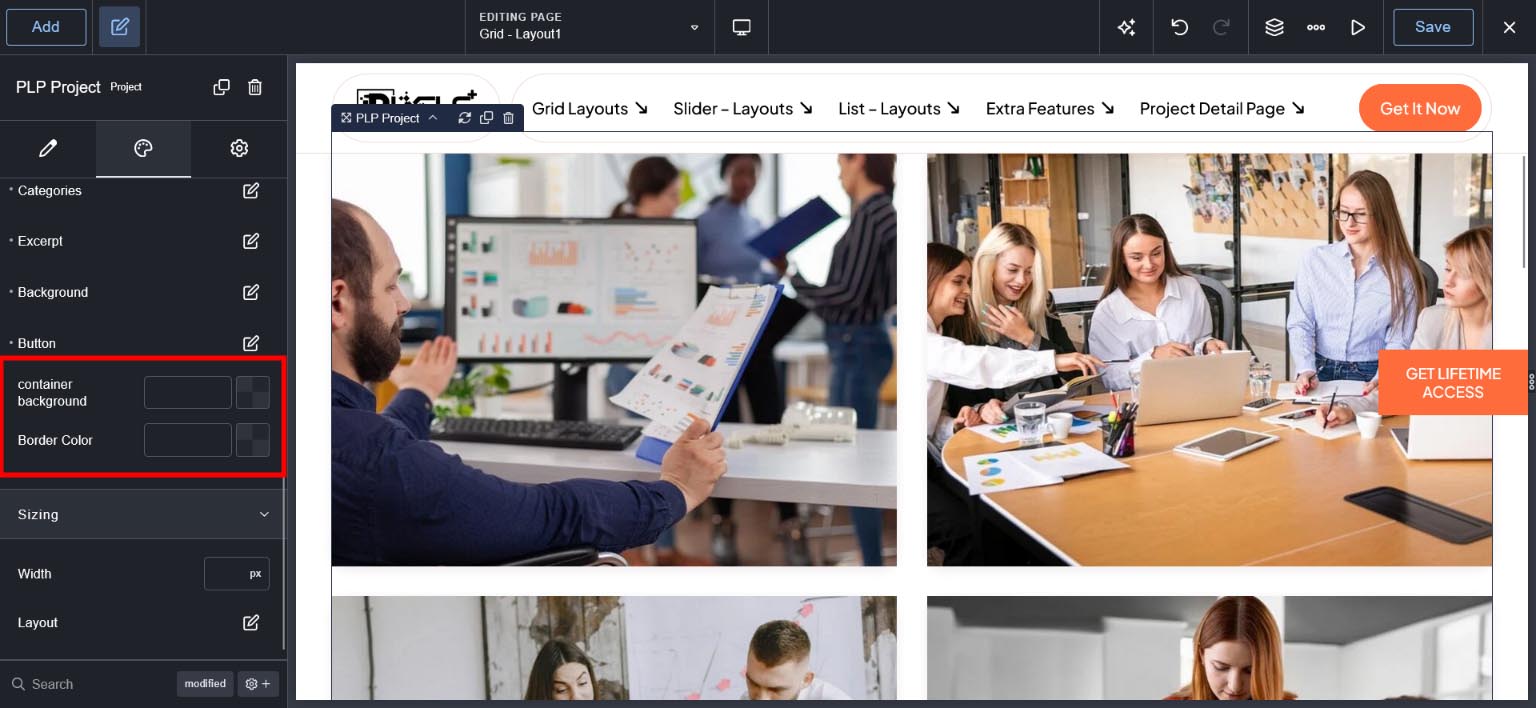
Grid Layout : Design - Layout 6 Options #
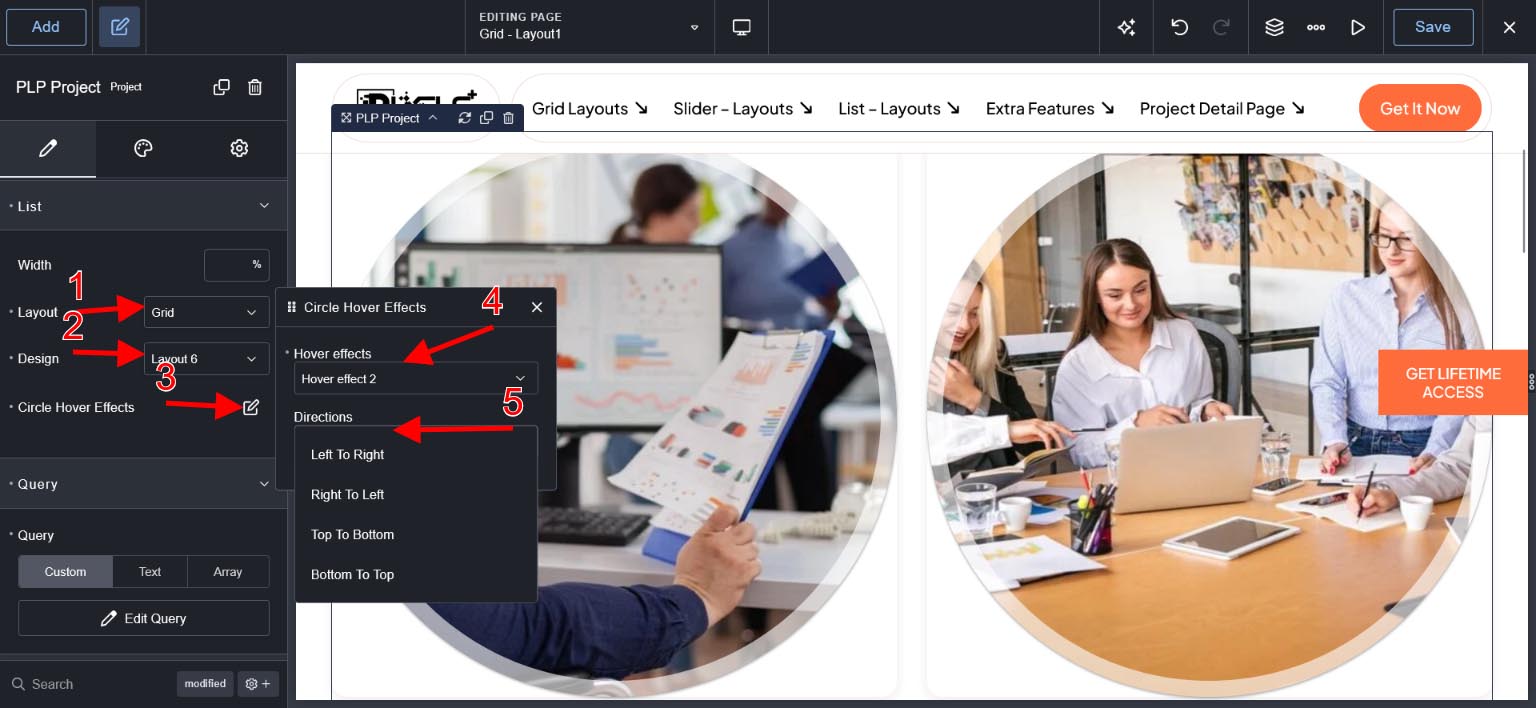
Layout 6 Design Option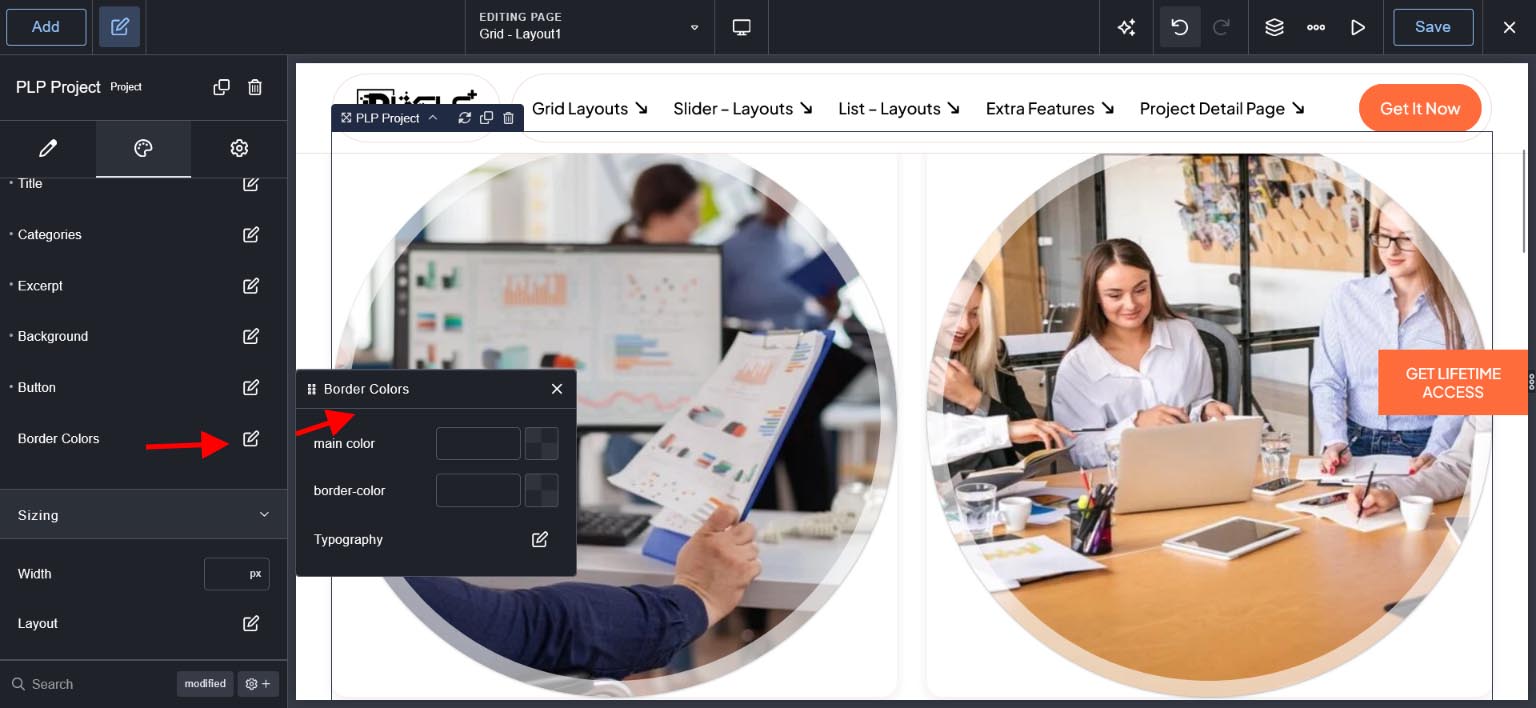
Grid Layout : Design - Layout 7 Options #
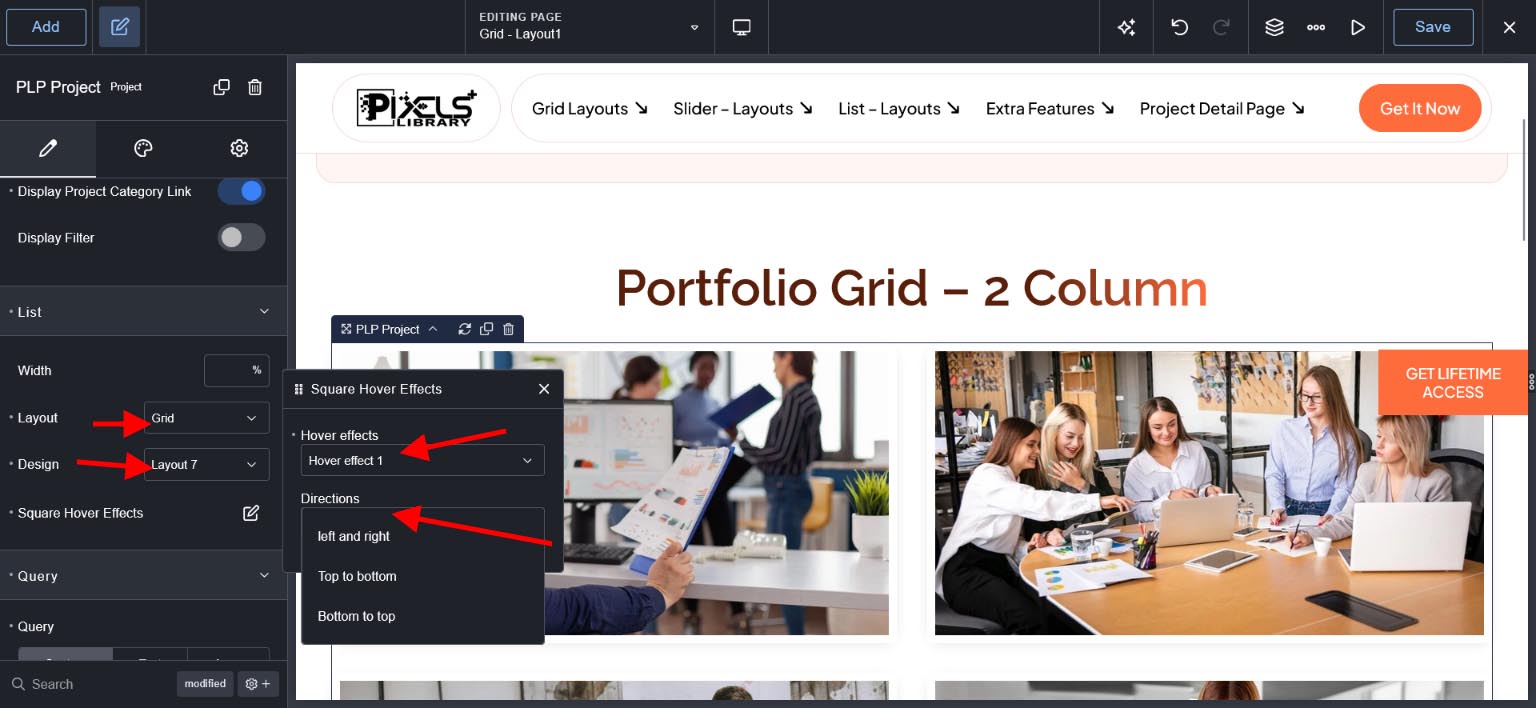
Grid Layout : Design Options #
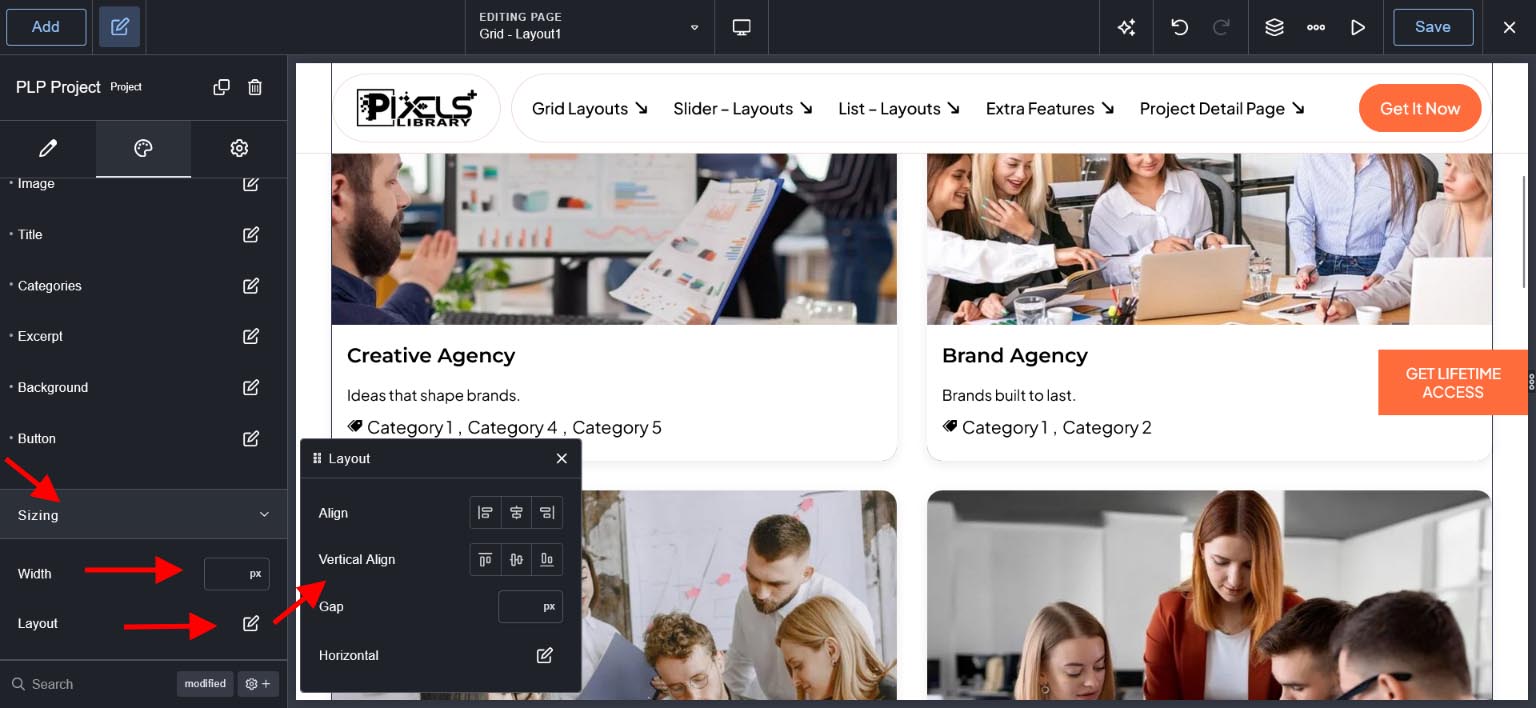
For Sizing - Width and Layout
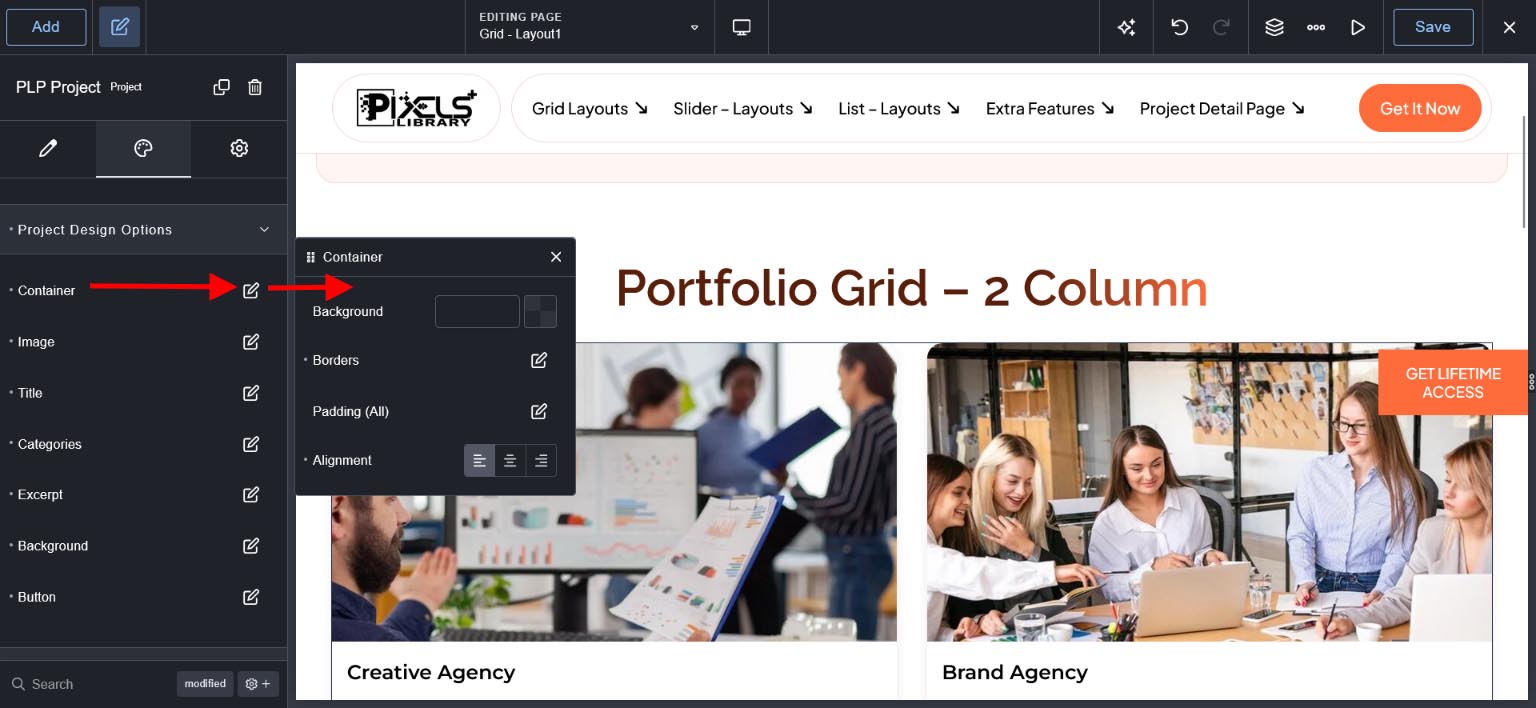
For Container
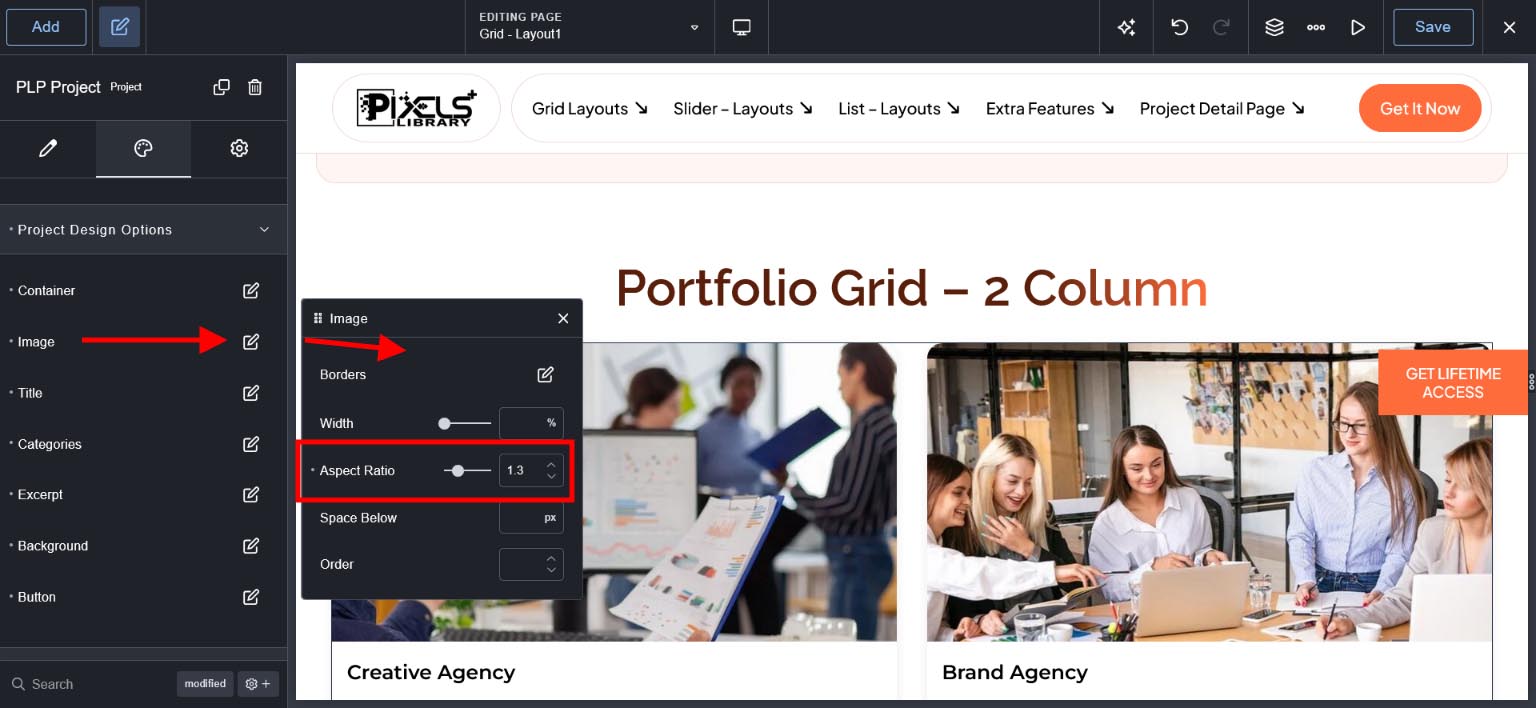
For Image
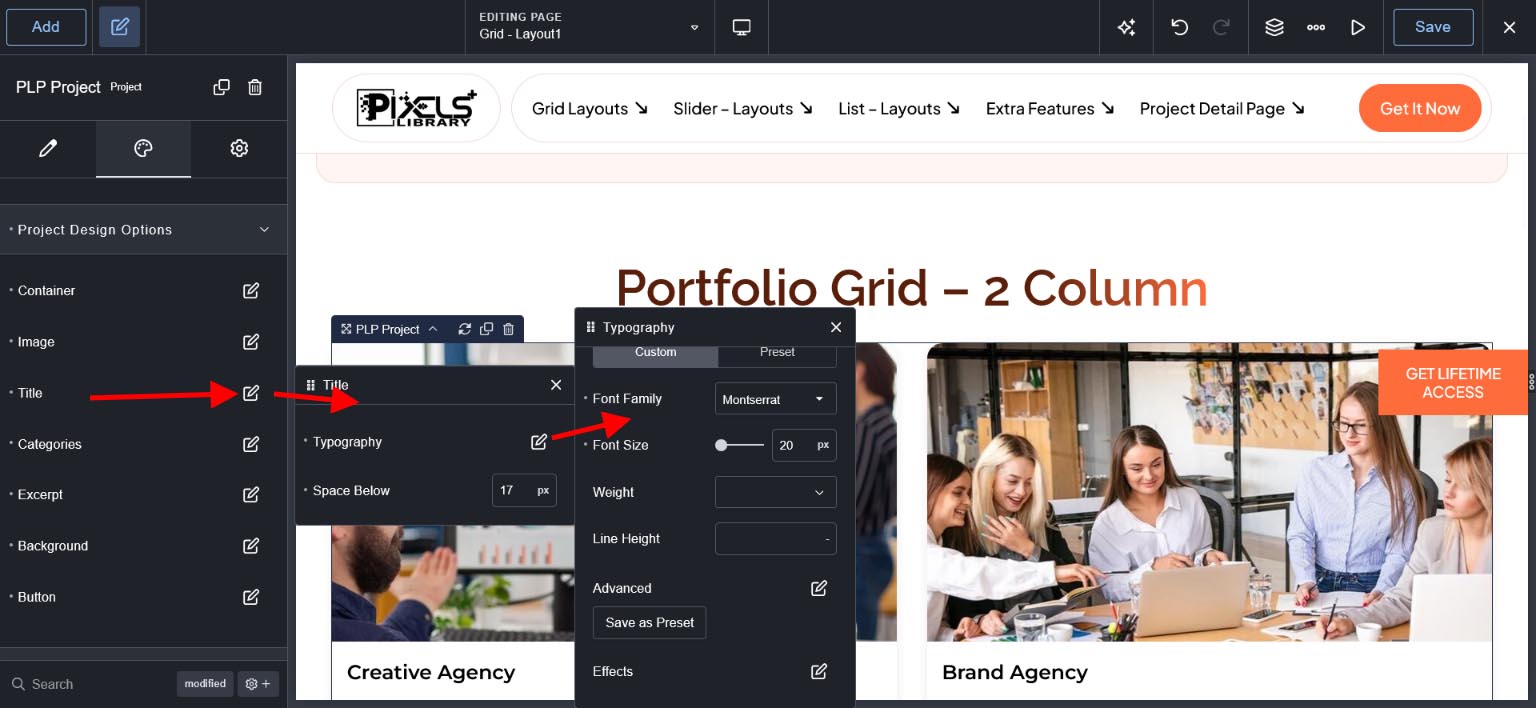
For Title
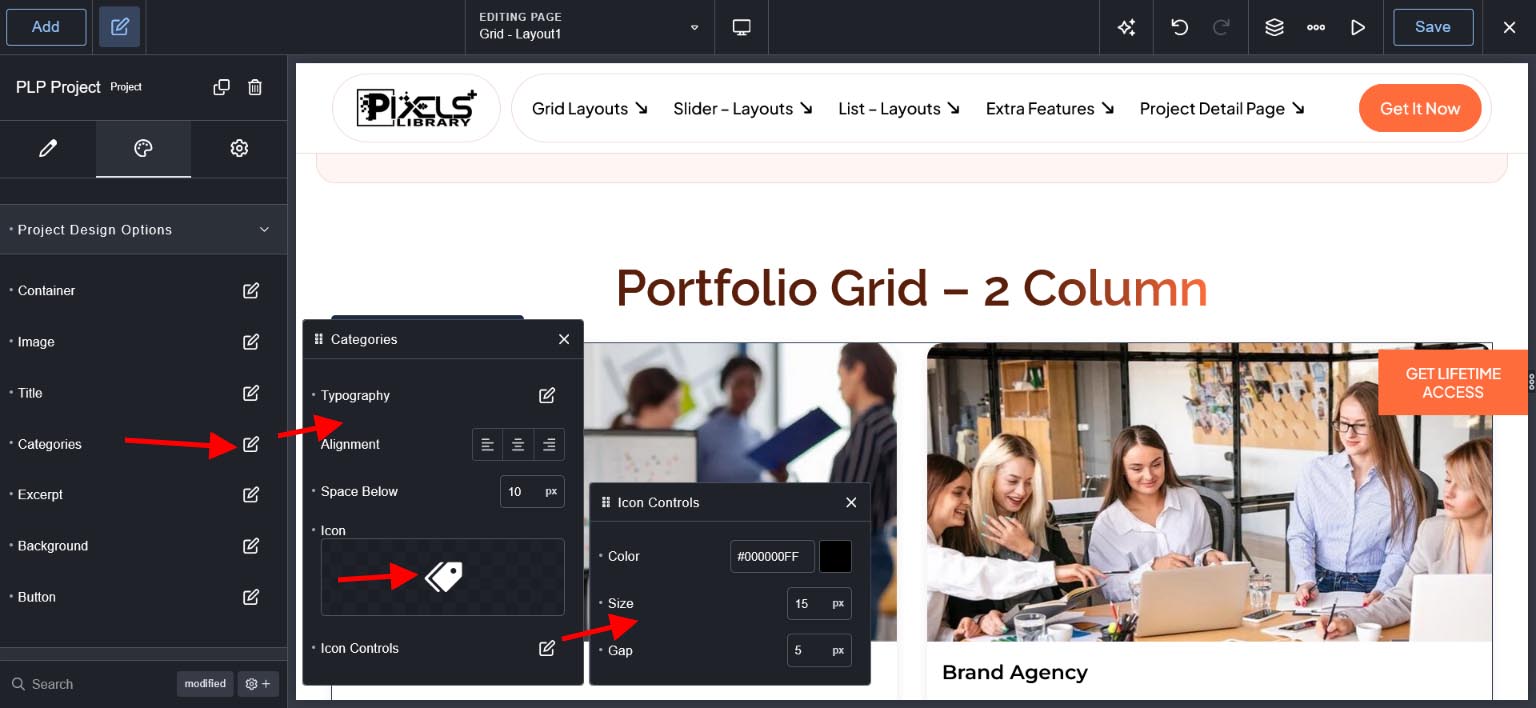
For Category
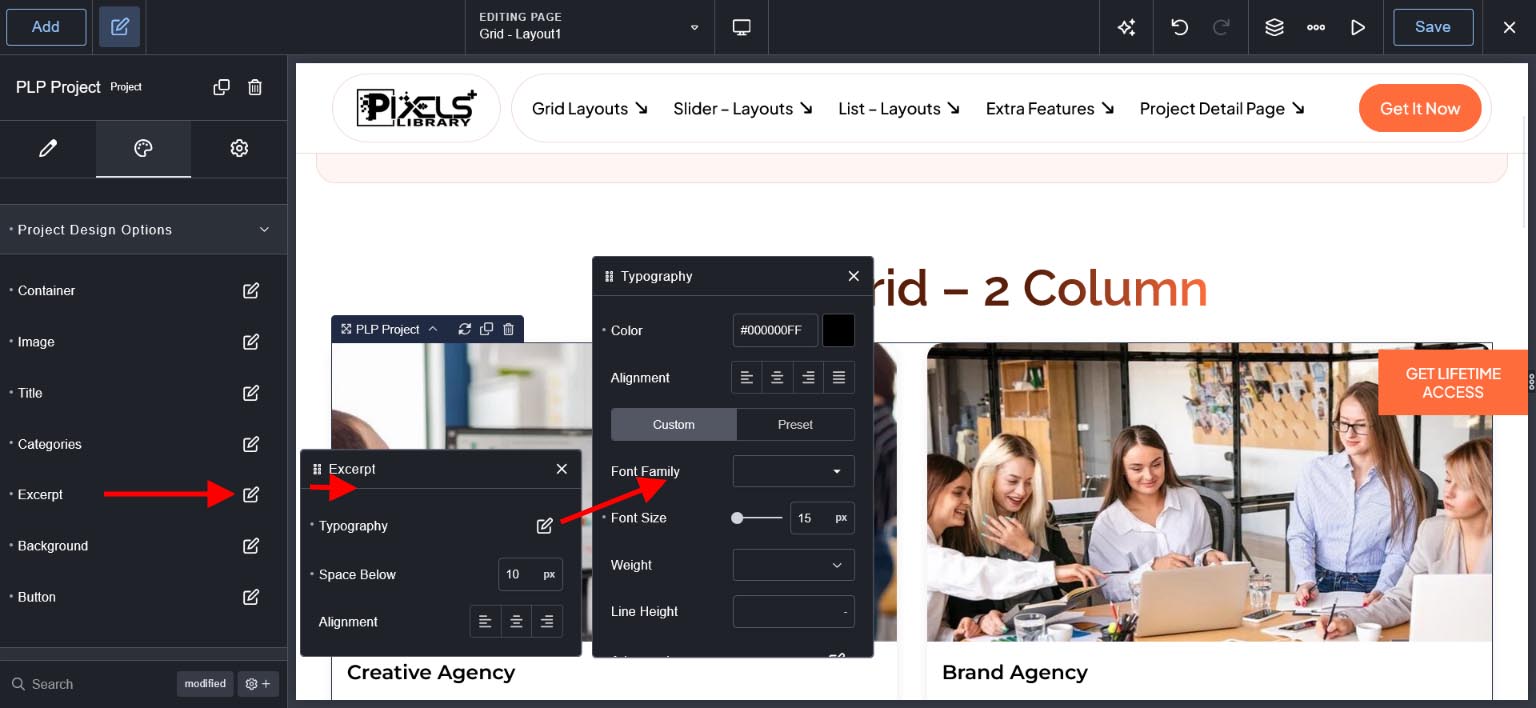
For Content/Description
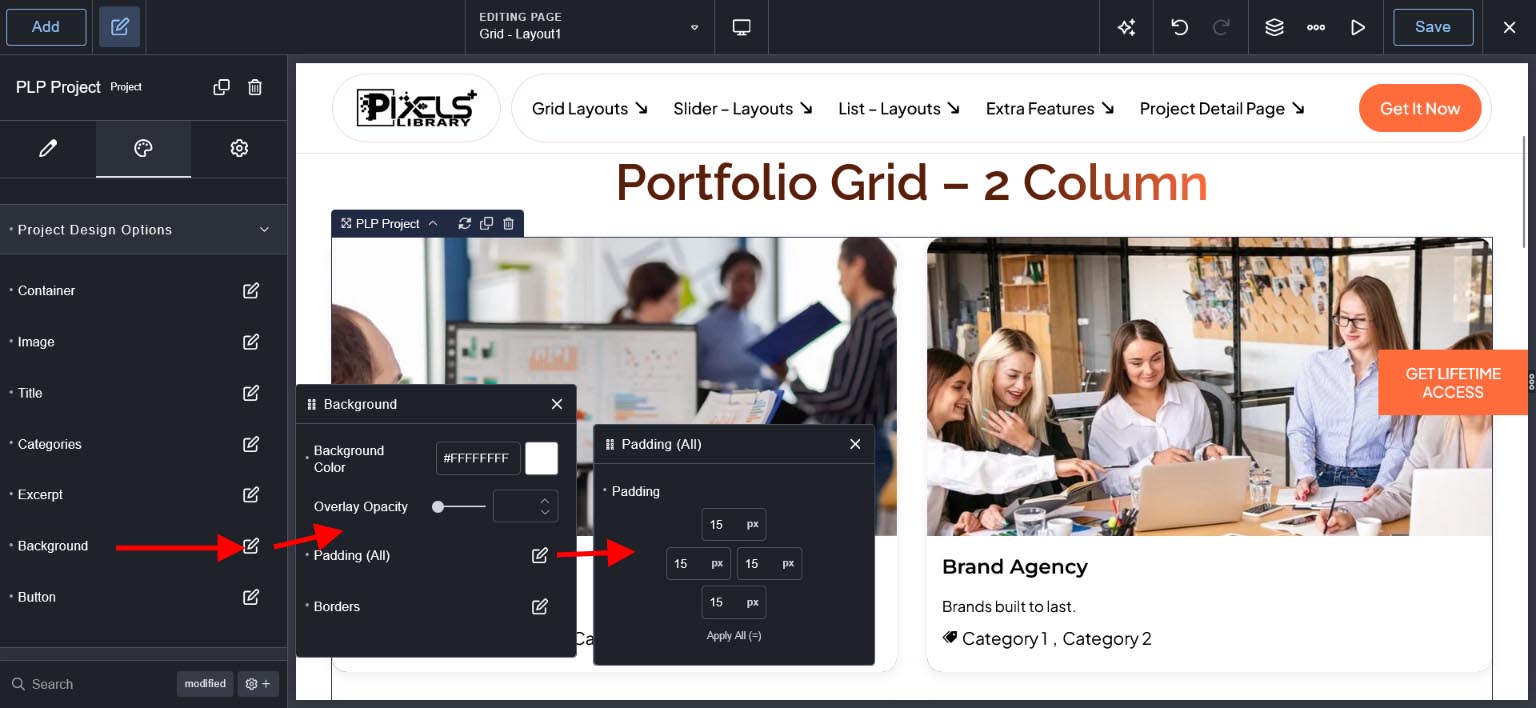
For Background
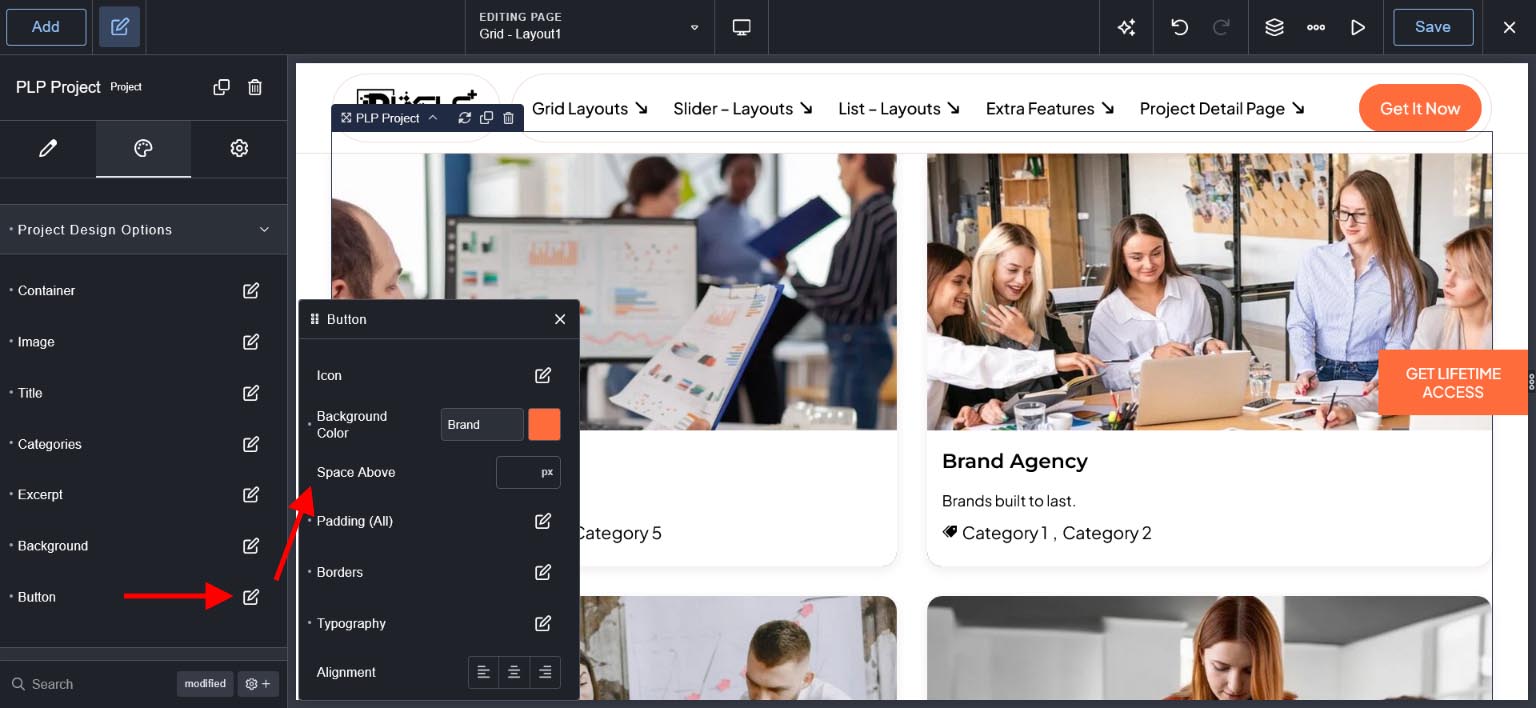
For Button
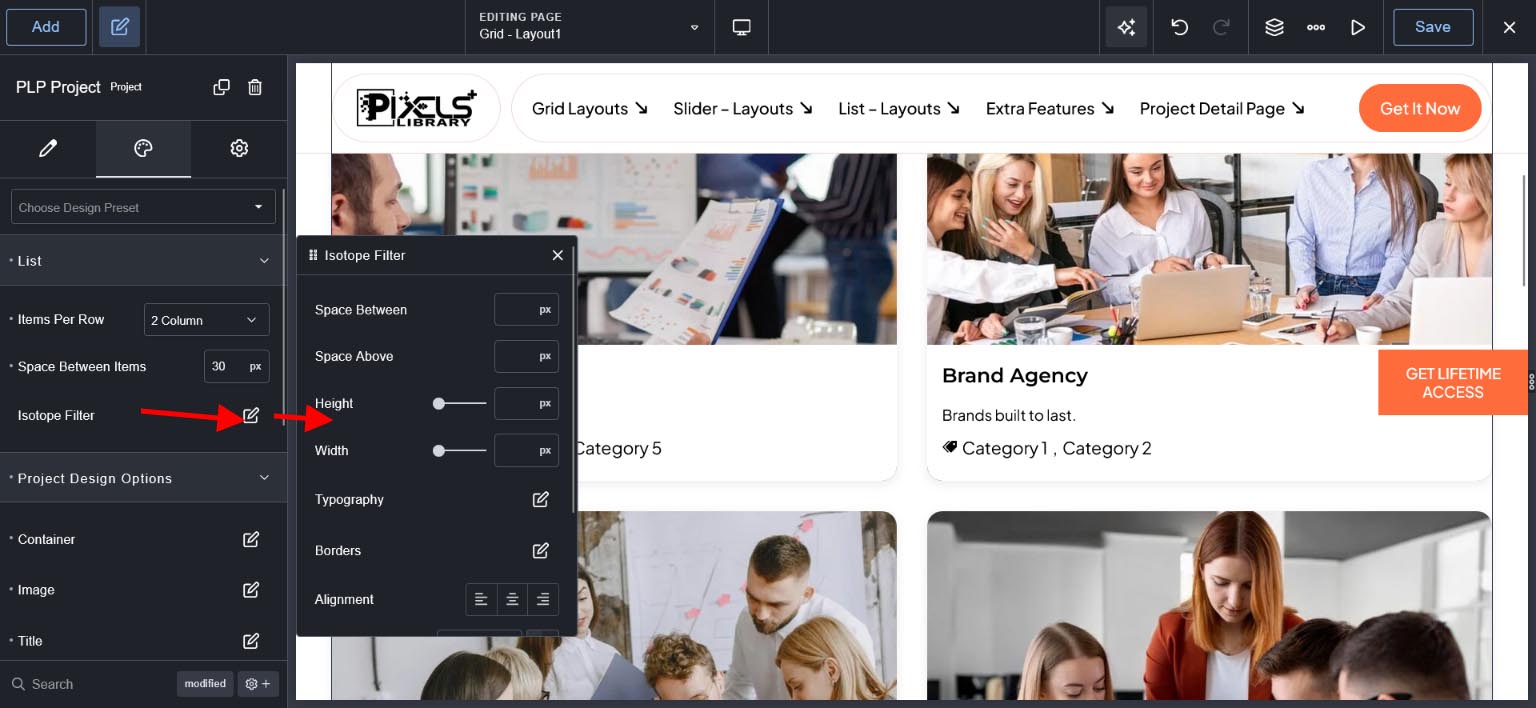
For Isotope/Category Filter