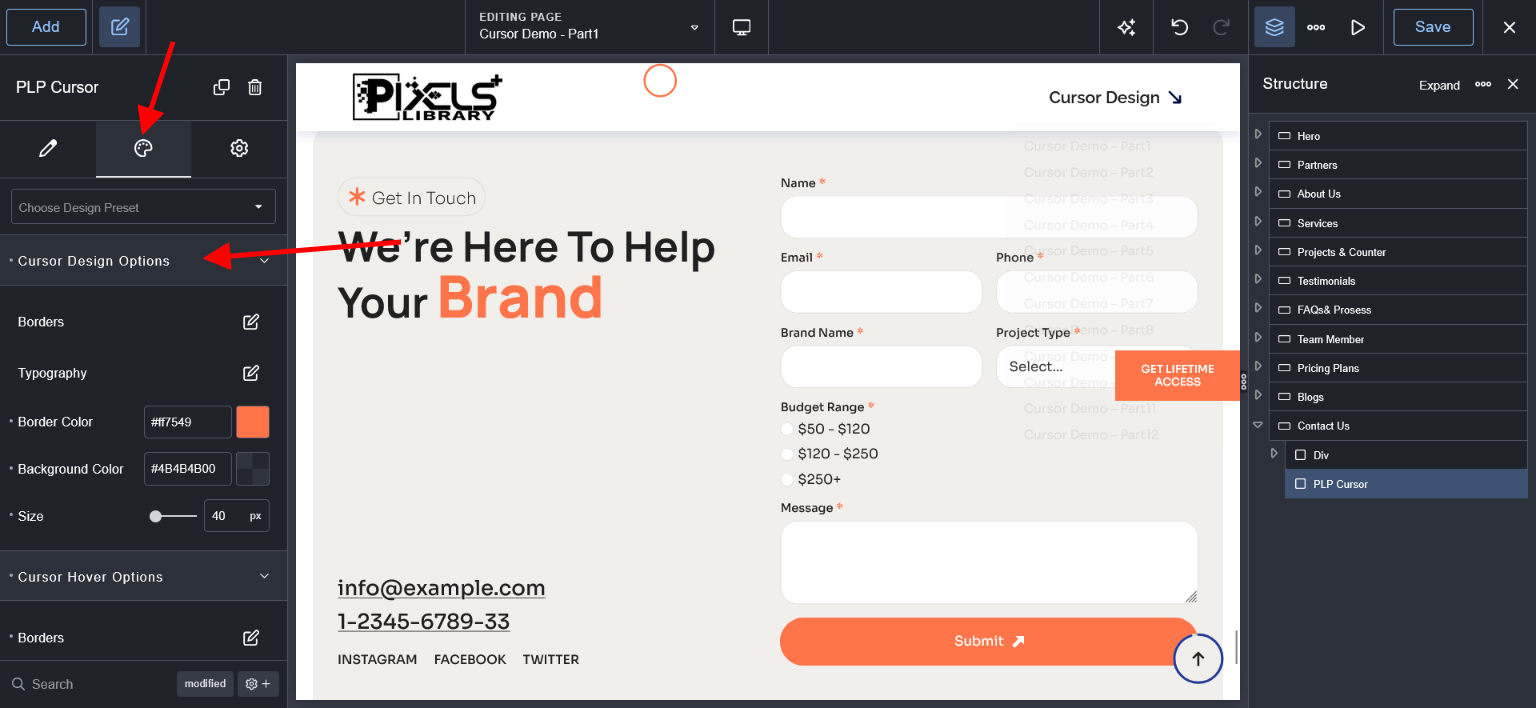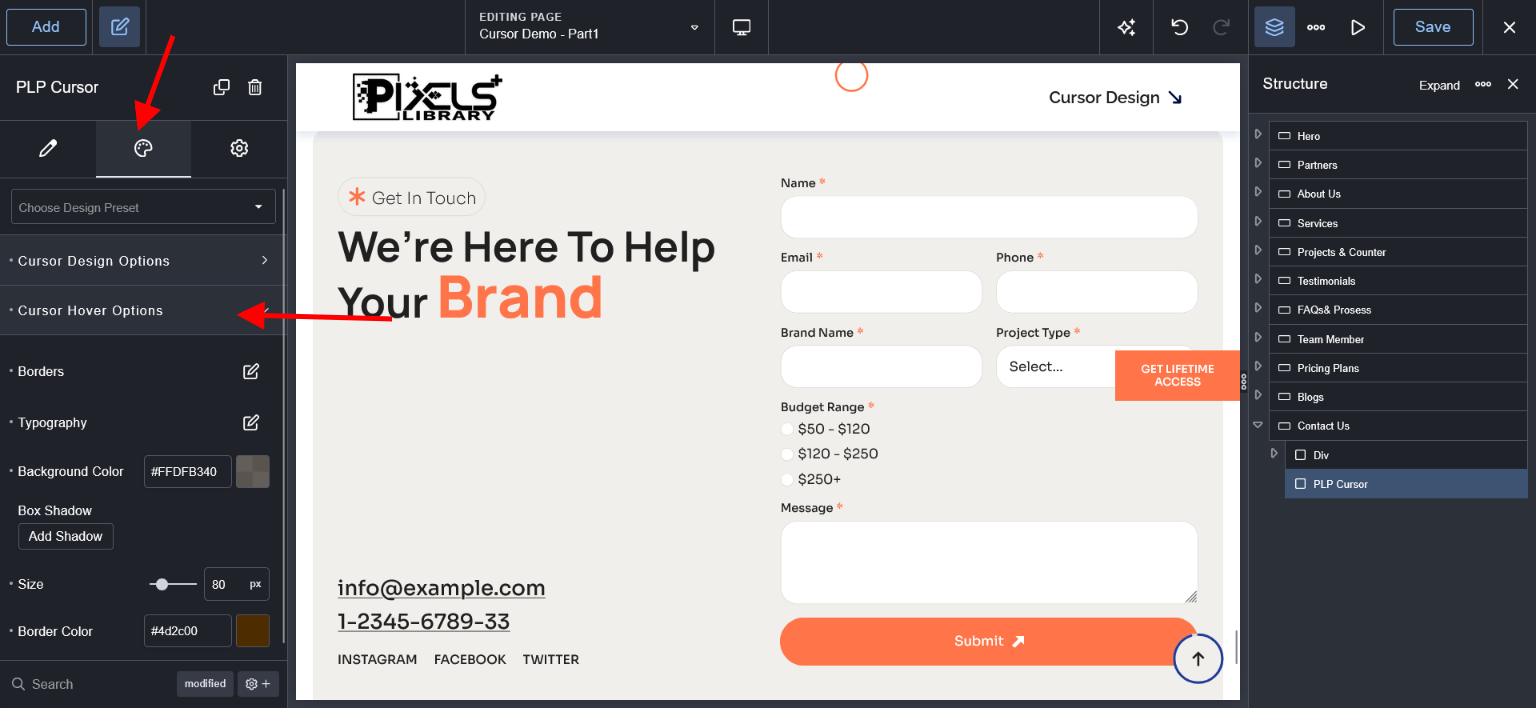
Breakdance Builder Premium Plugin is required for Pixels Library Plus and You need to buy from Breakdance Website.
For Lifetime/Yearly Members
After unzip please check "plugin" folder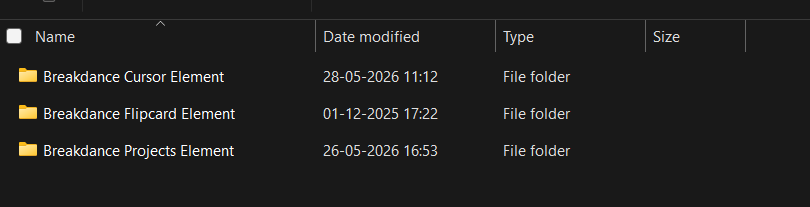
For Lifetime/Yearly/Individual Members
In Plugin Folder "Breakdance Cursor Element" folder you can see and open that folder
After Open that folder
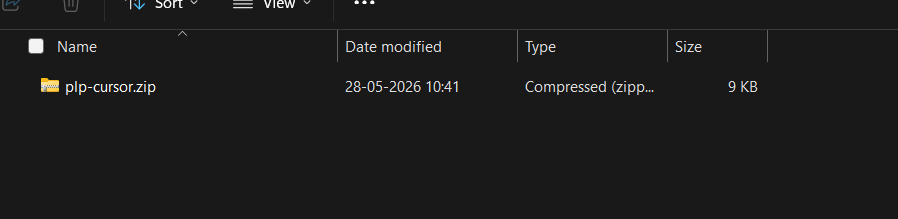
1. plp-cursor.zip File #
Getting Started: Pre-Installation Guide #
Before using the Breakdance Cursor Element Plugin for Breakdance, ensure the following:
Requirements
WordPress 6.0 or higher
Breakdance Builder Pro installed and activated
Breakdance Cursor Element Plugin for Breakdance Builder Pro Version uploaded and activated
Installation Steps
Go to WordPress Dashboard → Plugins → Add New → Upload Plugin
Upload the plp-cursor.zip Plugin ZIP file
Click Install Now
Activate the plugin
2. Find Cursor Element #
Go to Add Button then search project and you can see "PLP Cursor" Element.
Note: We recommended to add Cursor Element into Global Footer Template because just one time you need to add this element and it works as globally.
If you want to different pages wise different cursor then added this element into pages
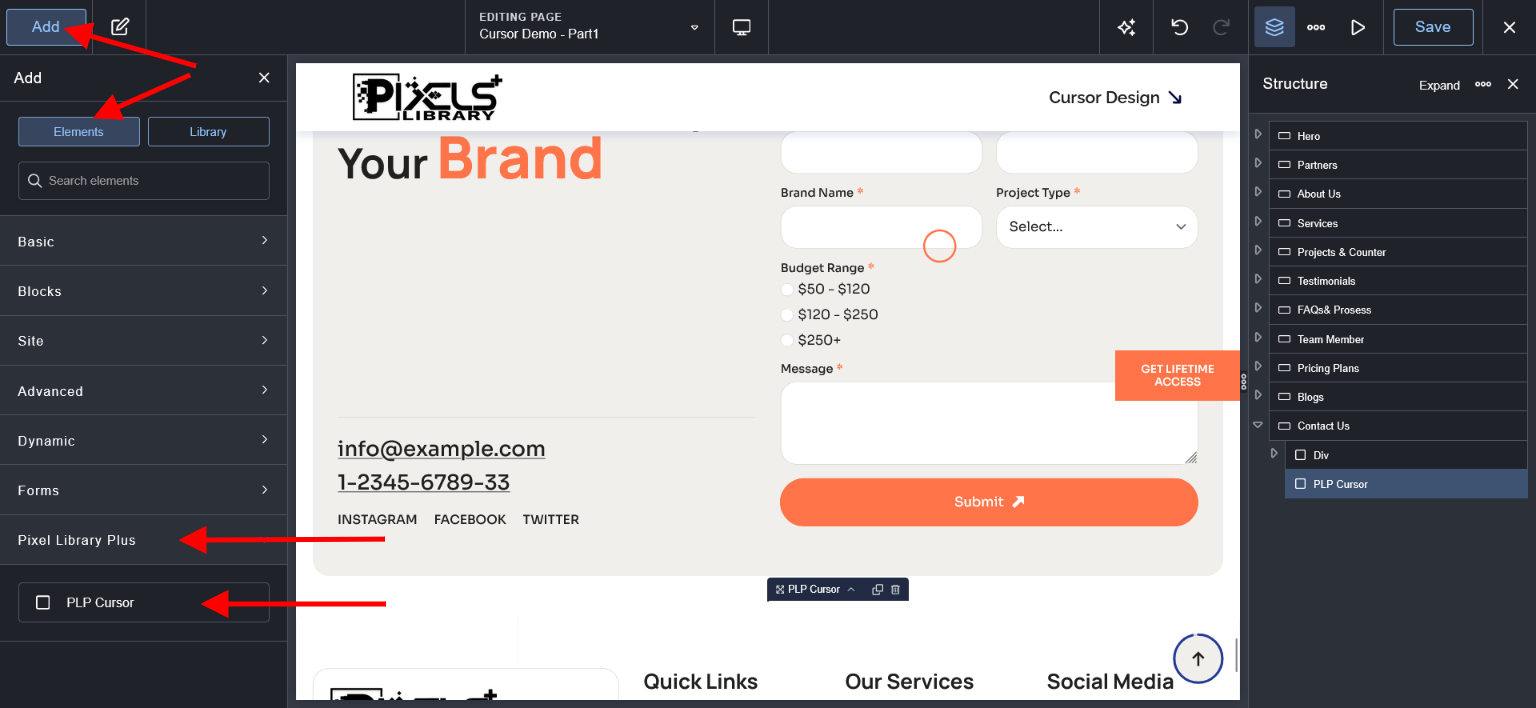
3. Find Cursor Effects #
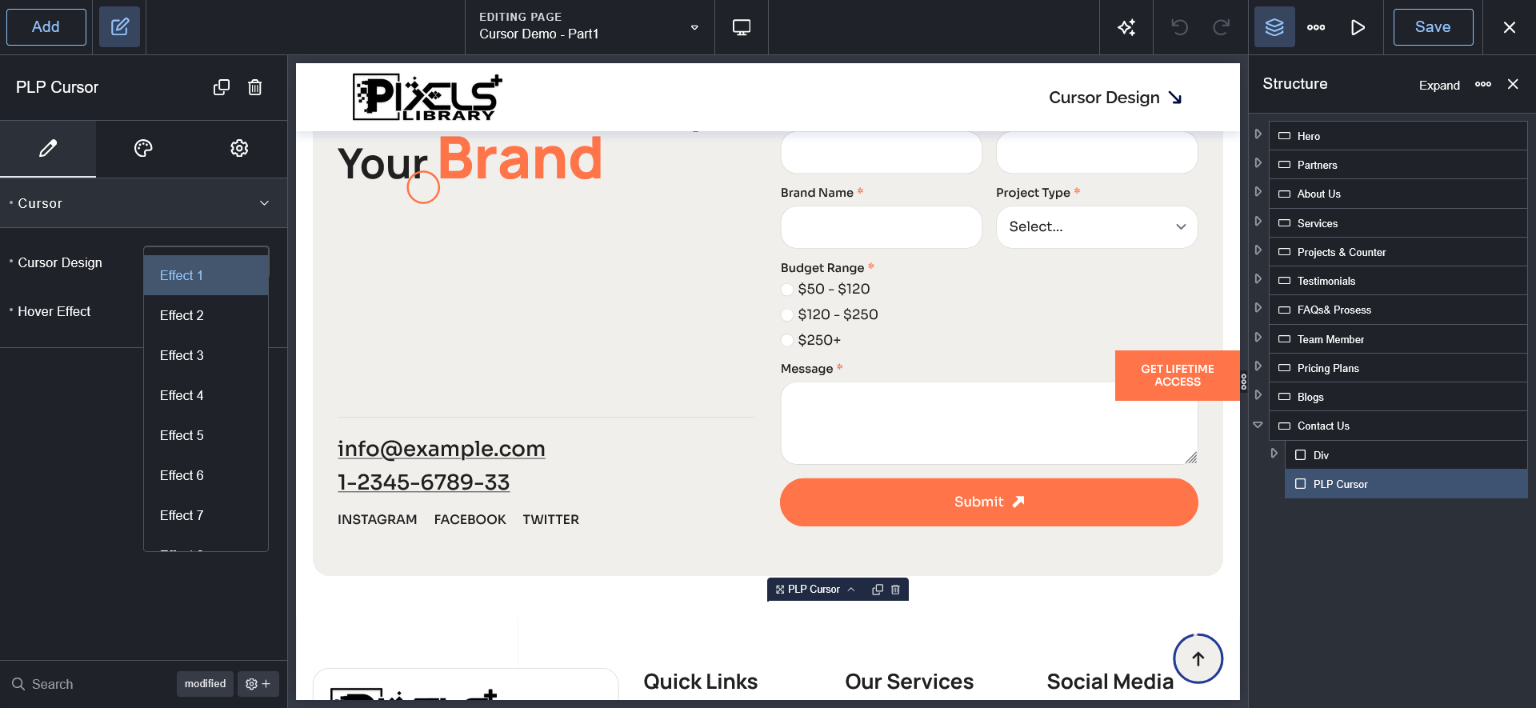
4. Find Cursor Settings #
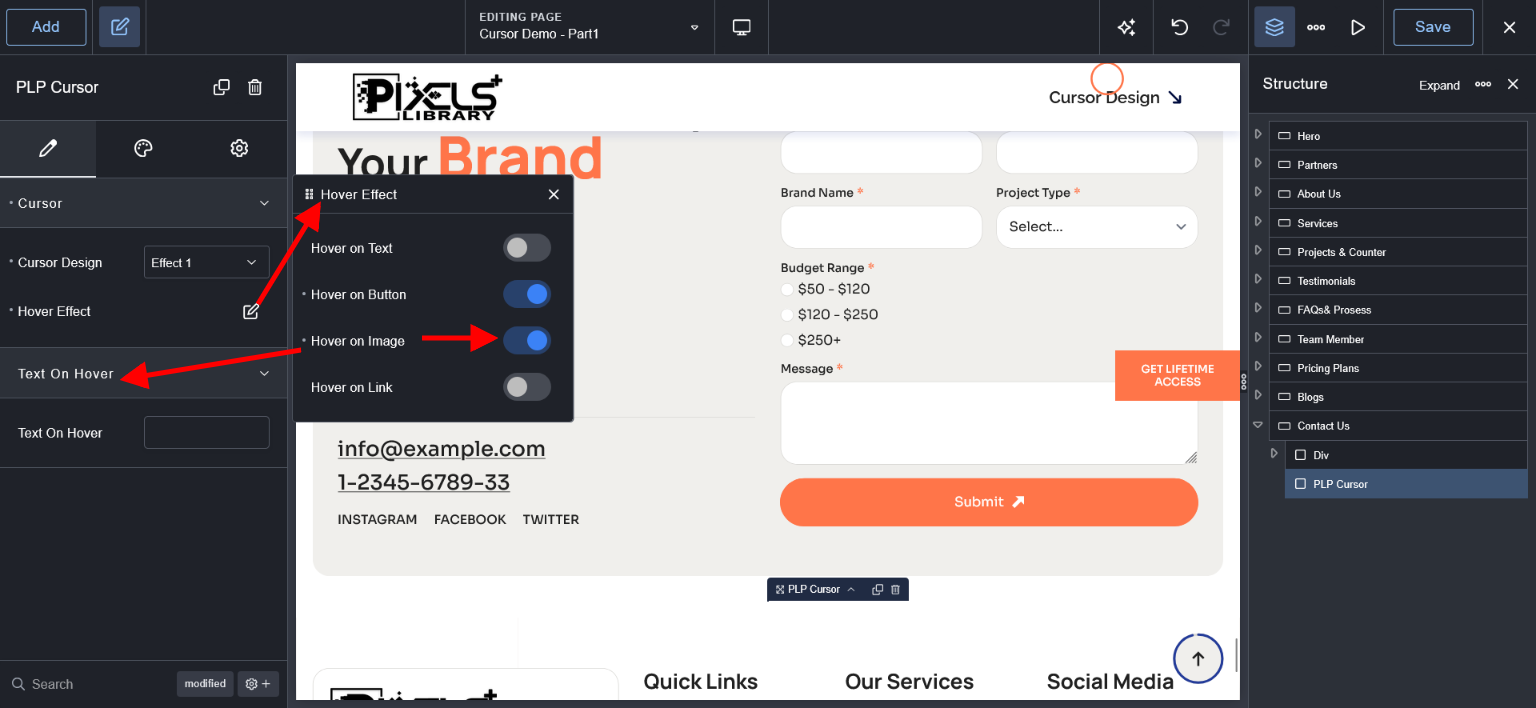
5. Find Cursor Design Options #