
Introduction #
PLP Flipcards Plugin for Breakdance is a powerful UI enhancement add-on that allows you to create modern, interactive flip card components inside the Breakdance Builder. With a wide variety of flip animations, 3D effects, tilt motion, parallax effects, and advanced styling controls, this plugin makes it easy to design visually engaging content without writing a single line of code.
Use flip cards to display service information, features, pricing, team details, portfolios, and more in an interactive and professional format.
Once you downloaded our product then first unzip that folder.
Now you can see all categories wise folders
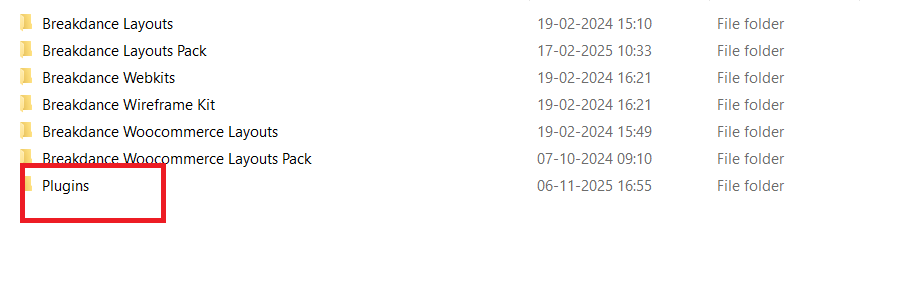
Once you open plugins folder then you can see plugins
PLP Flipcards Plugin for Breakdance #
Getting Started: Pre-Installation Guide #
Before using the PLP Flipcards Plugin for Breakdance, ensure the following:
Requirements #
- WordPress 6.0 or higher
- Breakdance Builder installed and activated
- PLP Flipcards Plugin for Breakdance uploaded and activated
Installation Steps #
- Go to WordPress Dashboard → Plugins → Add New → Upload Plugin
- Upload the PLP Flipcards Plugin ZIP file
- Click Install Now
- Activate the plugin
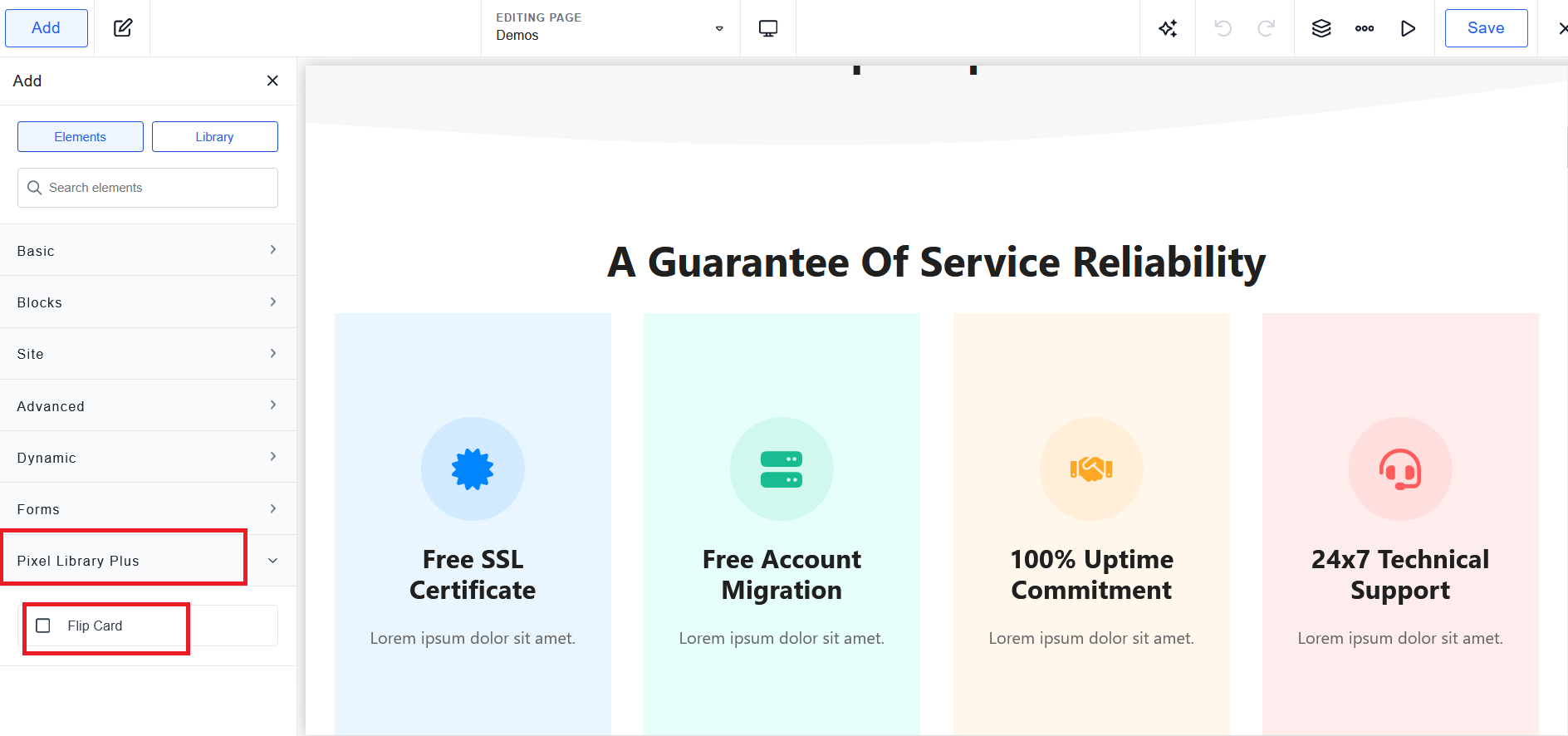
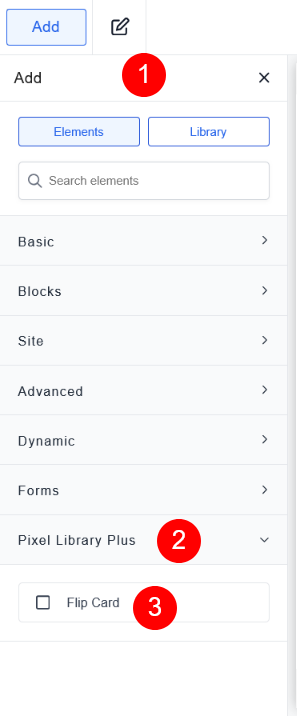
- The Flip Card element will now appear inside Breakdance → Pixel Library Plus
Plugin Features #
Find Flip Card Element
Flip Card Structure
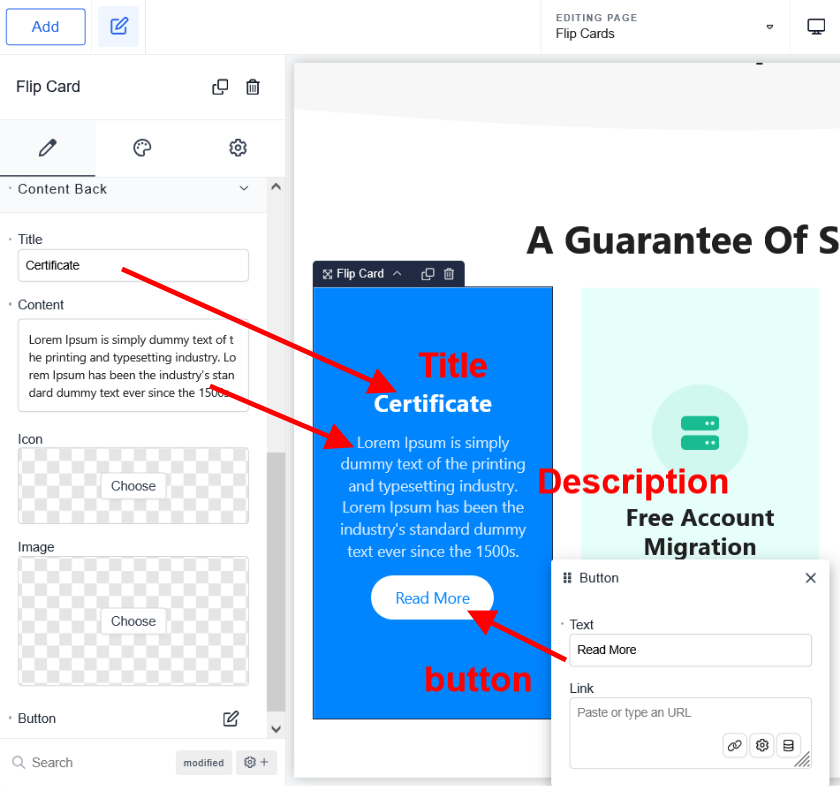
Each Flip Card consists of:
Front Side (icon, title, content, image)
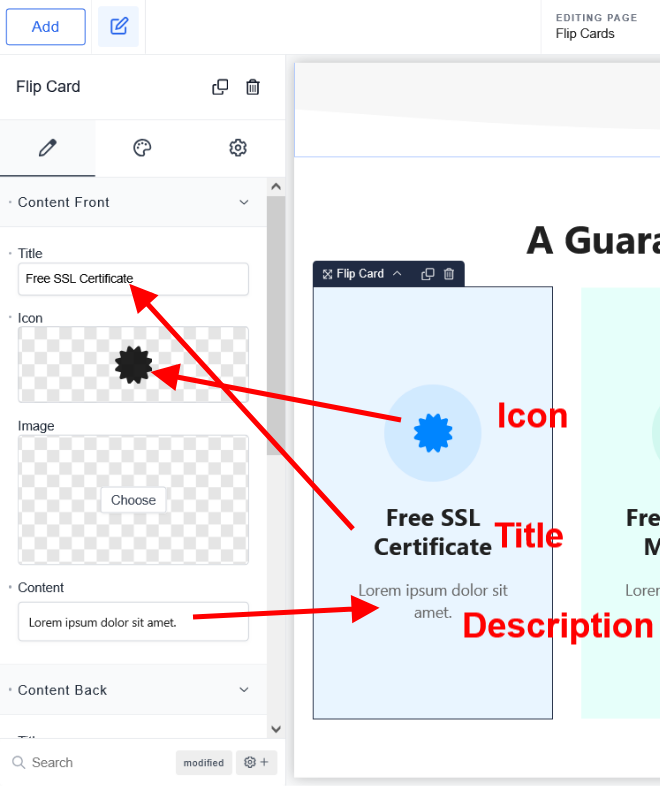
Back Side (icon, title, content, image,button)
Design Options
Flip Effects #
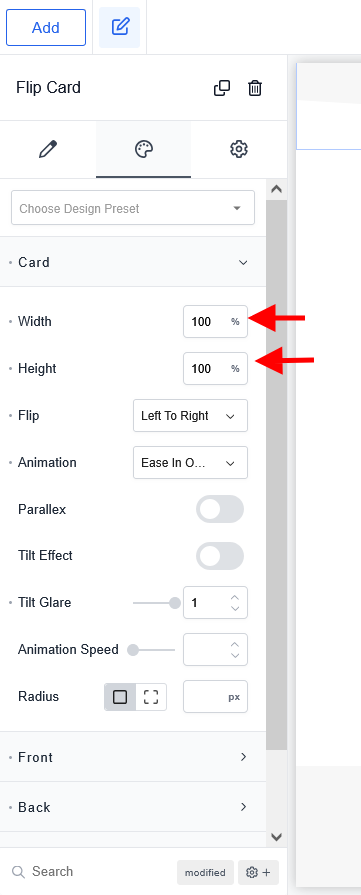
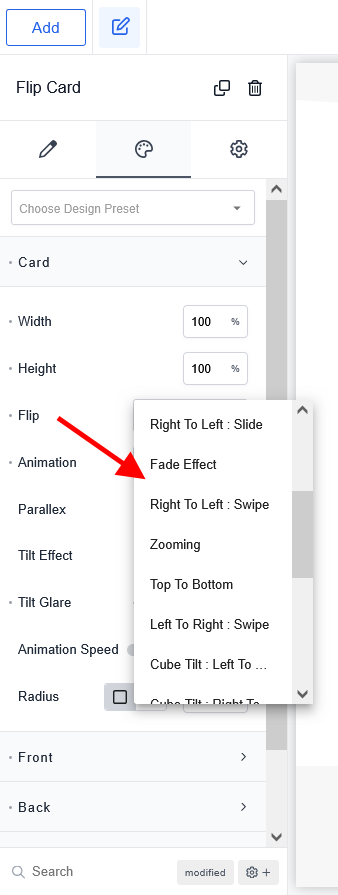
PLP Flipcards includes multiple flip animation types. Below is the complete list:
Basic Flip Effects #
- Left to Right
- Right to Left
- Bottom to Top
- Top to Bottom
Slide Effects #
- Bottom to Top (Slide)
- Top to Bottom (Slide)
- Left to Right (Slide)
- Right to Left (Slide)
Fade Effect #
- Simple fade transition
Zoom Effect #
- Smooth zoom in/out motion
Swipe Effects #
- Right to Left (Swipe)
- Left to Right (Swipe)
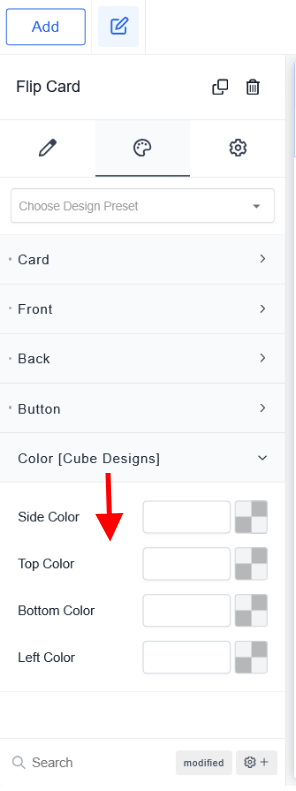
Cube Tilt Effects #
- Left to Right
- Right to Left
- Bottom to Top
- Top to Bottom
Cube Flip Effects #
- Left to Right
- Right to Left
- Top to Bottom
- Bottom to Top
- Top Left
- Bottom Left
CoverFlip Effects #
- Right to Left
- Left to Right
- Top to Bottom
- Bottom to Top
- Top Left
- Top Right
- Bottom Left
- Bottom Right
Animation Settings #
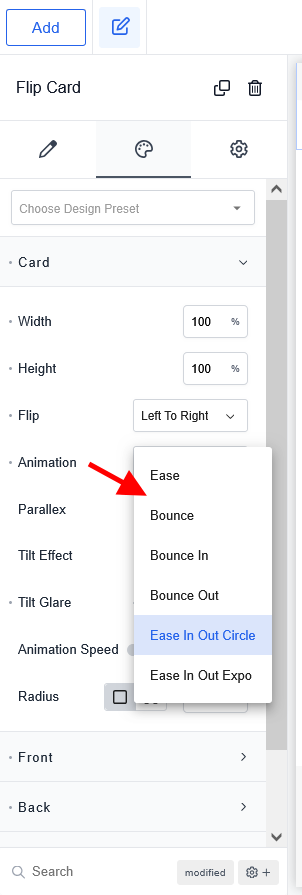
Choose from smooth animation presets to control how the card transitions:
- Ease
- Bounce
- Bounce In
- Bounce Out
- Ease In Out Circle
- Ease In Out Expo
These animations enhance the motion feel of the flip effect and make interactions more dynamic.
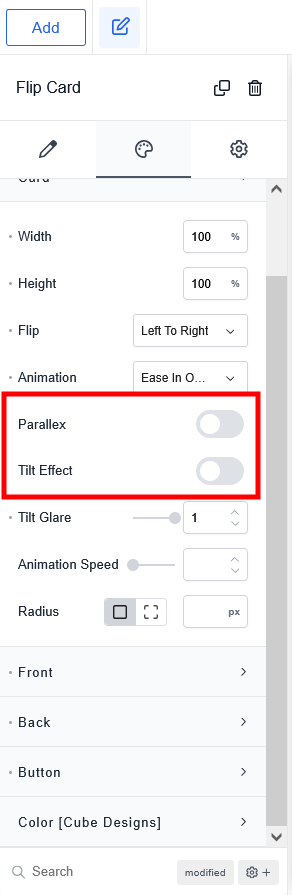
Interaction Effects #
PLP Flipcards supports additional interactive features:
Tilt Effect #
Adds a cursor-based tilt interaction, giving the card a 3D depth feel.
Parallax Effect #
Adds multi-layered parallax motion to both sides of the flip card.
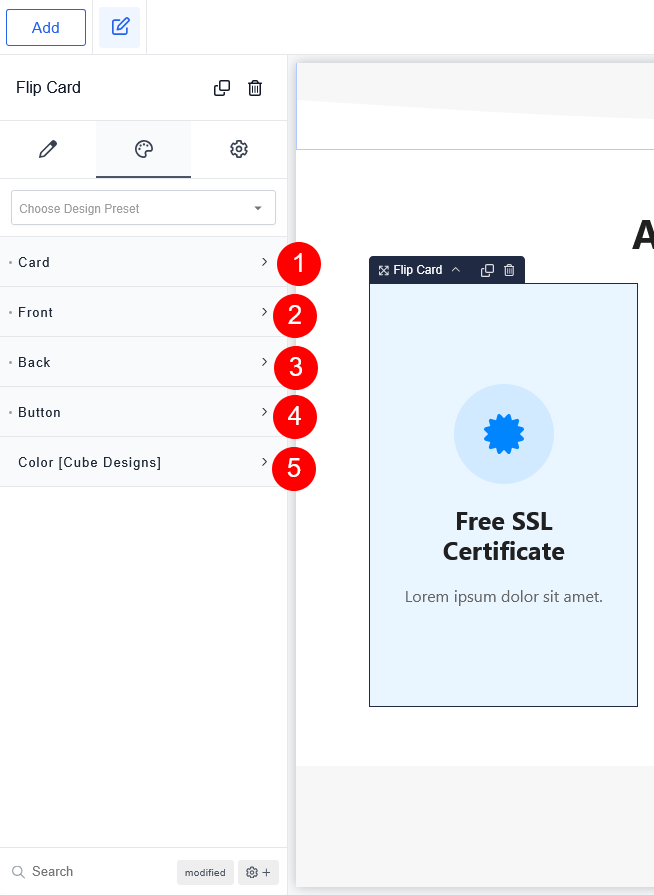
Design Options #
Inside the Breakdance design controls, you can customize:
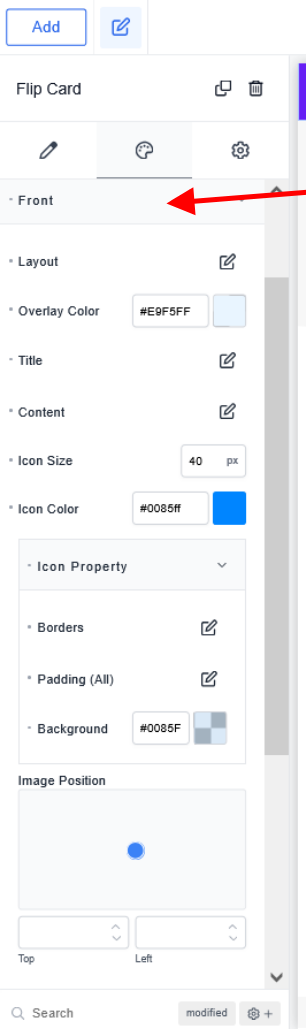
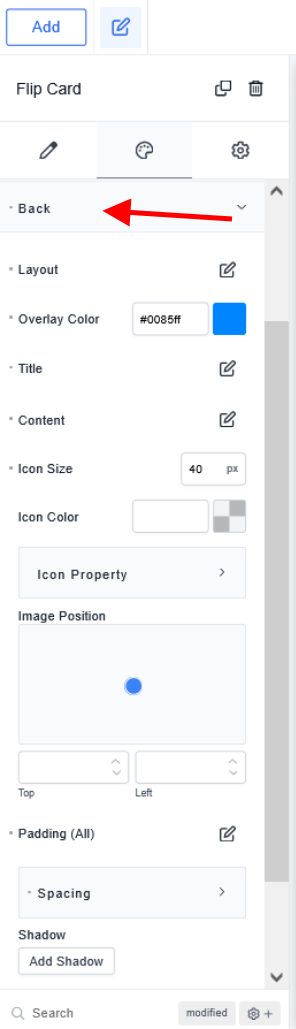
Front & Back Side Styling #
- Background colors
- Gradients
- Images
- Icons
- Border radius
- Shadows
- Padding & spacing
Typography Controls #
- Font family
- Font size
- Font weight
- Line height
- Letter spacing
- Text alignment
- Colors
Icons & Images #
- Custom icons
- Size control
- Color adjustments
- Image masks
Container Styling #
- Width/height adjustment
- Minimum height for equal card sizes
- Responsive control for mobile & tablet
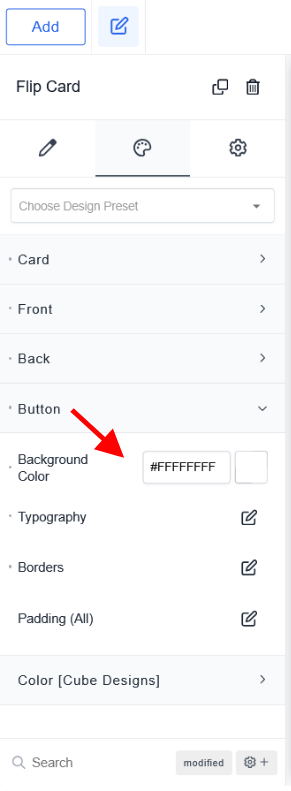
Button Styling (Back Side) #
- Button color
- Padding
- Hover effects
- Border styling
Working With Multiple Flip Cards #
When creating a card grid, you can:
- Duplicate existing flip cards for matching layout
- Adjust spacing in the column or row
- Maintain equal heights using Flexbox settings
- Apply uniform animations to all cards or customize individually
Example Use Cases #
- Service highlight cards
- Hosting feature sections
- Team profiles
- Pricing plan info cards
- Product feature showcase
- Portfolio summaries
Tips for Best Results #
- Keep front icons simple for clean visual balance
- Use consistent heights for better alignment
- Choose subtle animations for professional design
- Use parallax & tilt moderately for a modern UI feel
- Maintain color consistency with your website palette
FAQs #
1. The Flip Card is not flipping. What should I do? #
Make sure the card height and container settings are correct. Also check if animations are enabled.
2. Why is the back side cut off? #
Increase the minimum height or adjust padding inside the Flip Card.
3. Are animations mobile-friendly? #
Yes, all animations work on mobile unless disabled manually.
4. Can I use multiple flip effects on one page? #
Yes, each card can have its own animation.
5. Does this plugin slow down the site? #
No, the plugin is lightweight and optimized for performance.